
SaaS product news · 3 min read
Shopify adds agentic checkout for ChatGPT. Which settings should you check?
On November 23, 2026, Shopify added agentic checkout for ChatGPT to eligible stores. Shopify Catalog access controls product data sharing. Agentic checkout lets AI agents complete eligible purchases using supported tools. A merchant who wants to keep Catalog discovery can leave Catalog access on and switch off agentic checkout.
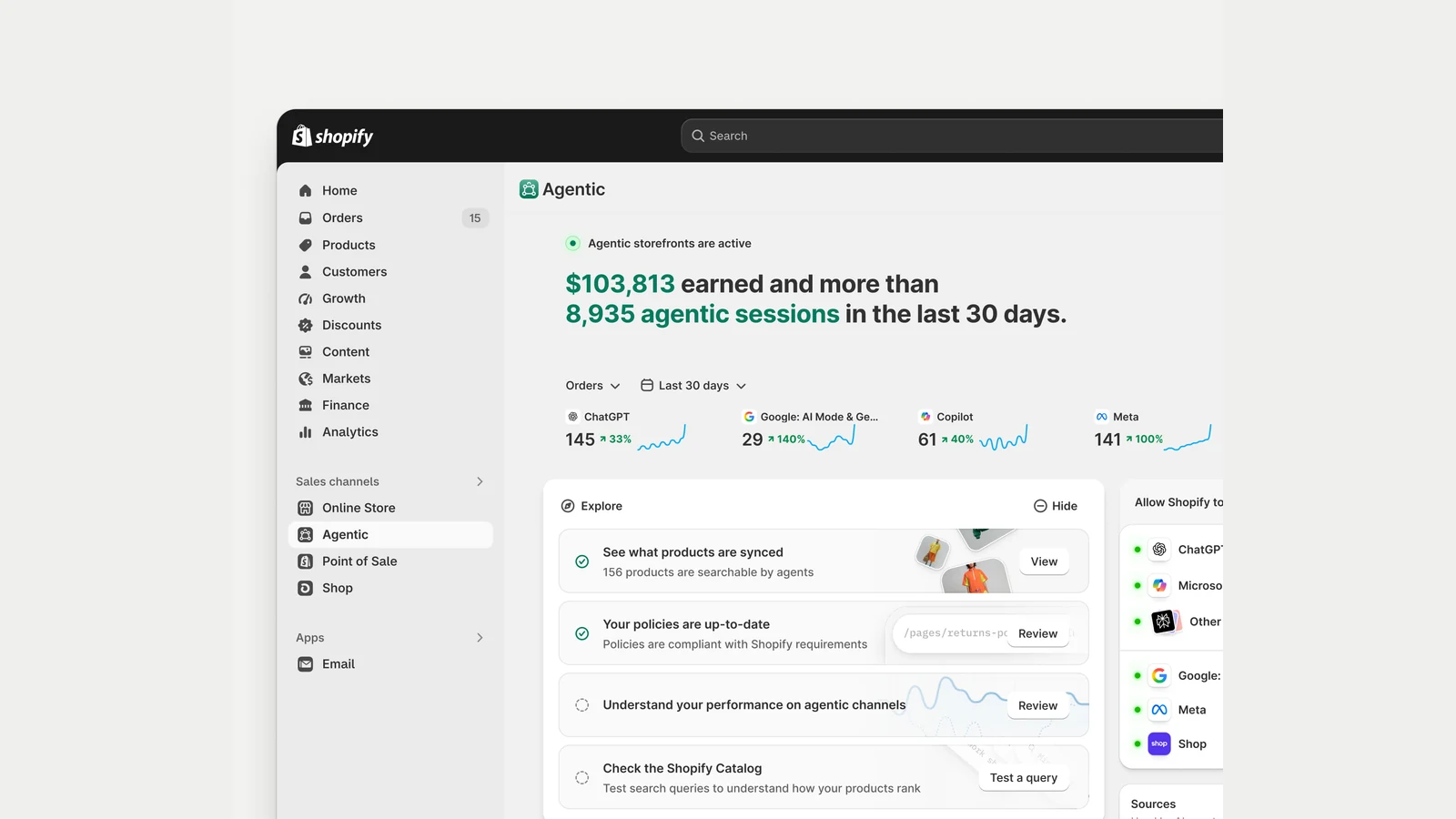
Check eligibility and whether checkout is already on
Your store can be based elsewhere, but it must sell to customers in the United States. Shopify requires eligible products, published terms of service, privacy and return policies, and agreement to its supplemental channel terms. Eligible stores using Manage for me or automatic activation for new channels get the checkout setting by default. Existing opt-outs carry over. Stores on the separate Agentic plan start with agentic checkout off.
Keep products discoverable and turn off agentic checkout
In Shopify admin, open Agentic under Sales channels. Open channel settings, switch from Manage for me to Manual if needed, and select ChatGPT. Leave Shopify Catalog access on, turn Agentic checkout off and save. Products can still appear through the Catalog. Purchases through the Shop skill or Shop App for ChatGPT follow their own settings.
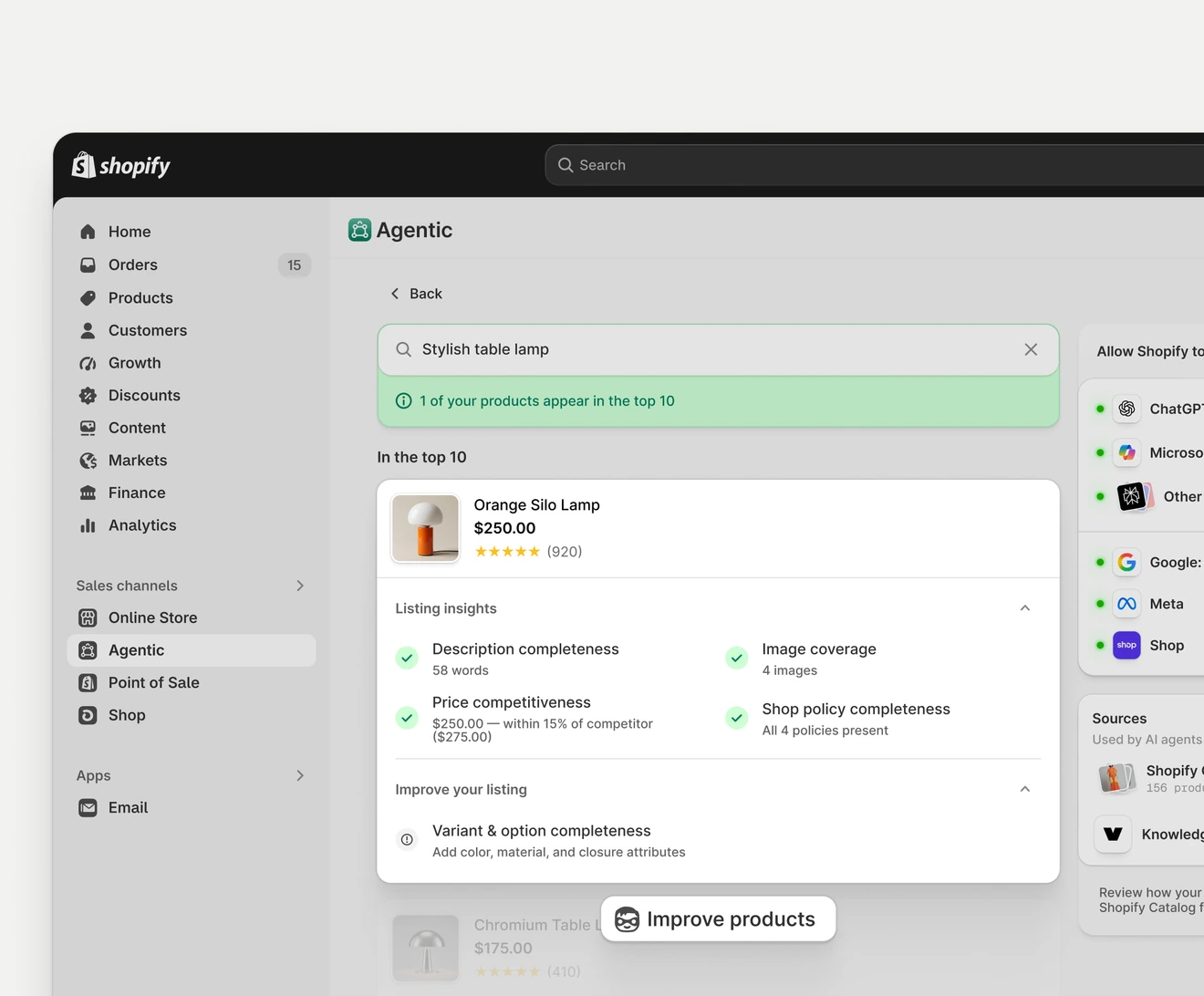
See what Shopify adds to a chargeback response
On November 25, Shopify began adding a payment authorization record to responses for relevant agentic orders. The record includes the spending limit set by the buyer, the payment approval recorded at checkout and the assistant’s name when known. A merchant reviewing a dispute can check these fields alongside the order details.