
SEO · 3 min read
Your sitemap says Success. Where are the missing pages?
Check when Google last read the sitemap, what it discovered, and what URL Inspection says about one missing page.
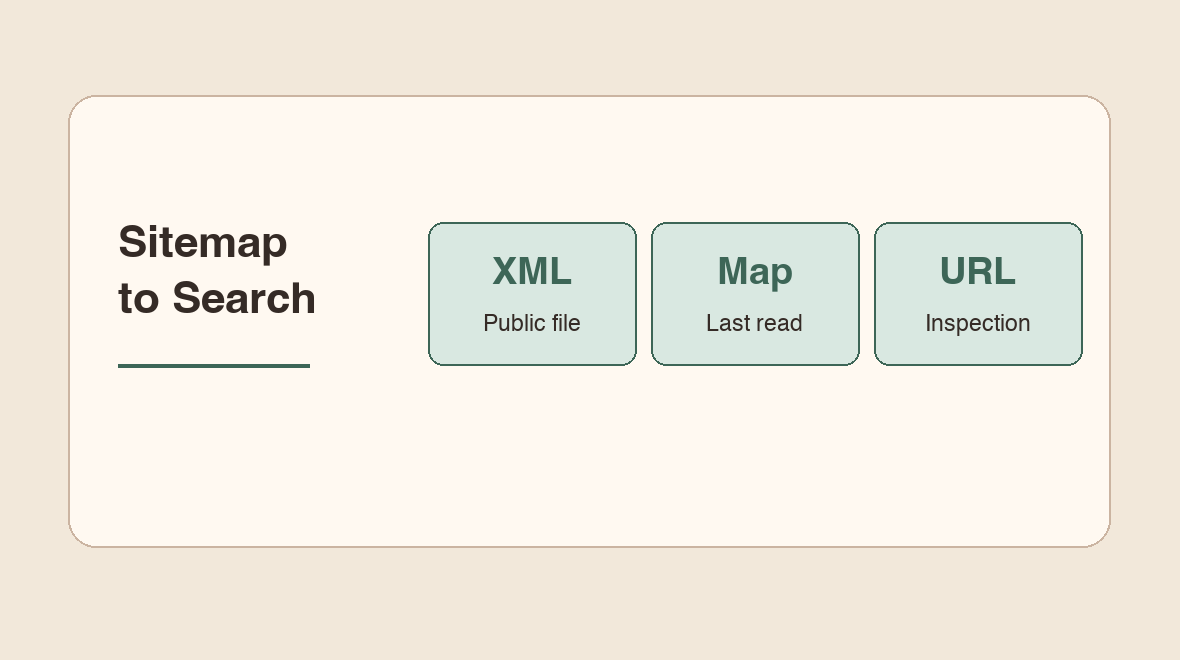
Success in Search Console’s Sitemaps report refers to reading and processing the sitemap. Discovered pages are addresses parsed from it. To answer whether an individual article is indexed, open URL Inspection and look at the indexed view for its canonical address.
Put three dates on the same line
After a release, note the deployment date, the sitemap submission date and Last read. Open the current public XML and look for one newly published canonical address. If the file contains it and Last read predates the deployment, you have identified a timing difference. Keep the current sitemap URL stable and check the report again after Google reads the file.
Follow one missing page through both reports
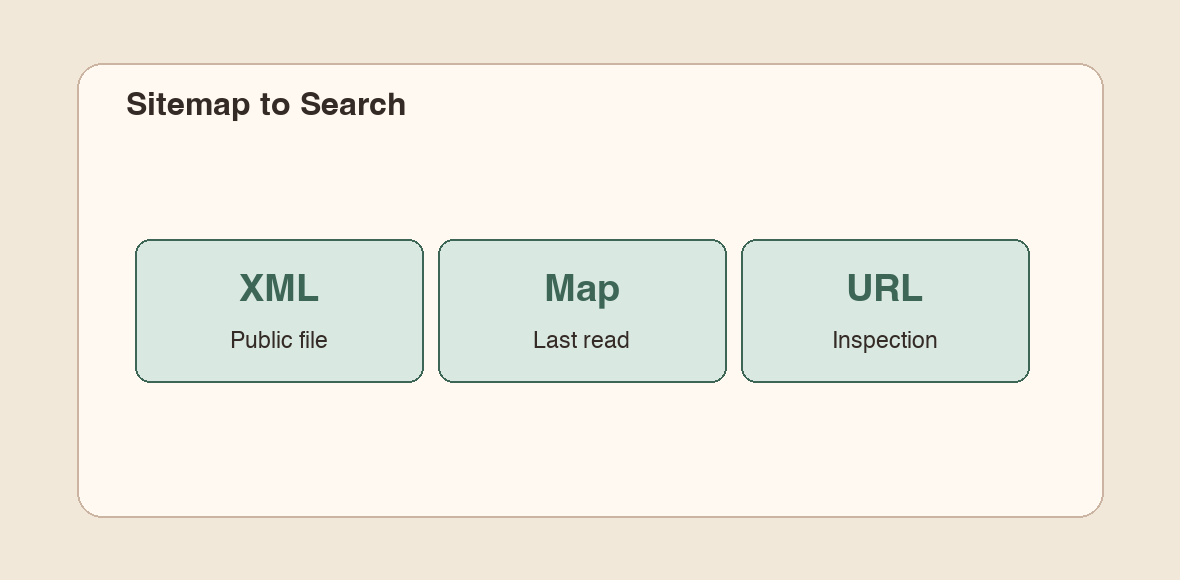
Suppose you published a Spanish article and its URL appears in the XML. In Page indexing, use the sitemap filter to view its group. Then inspect that exact URL. Check the indexed result, last crawl and Google-selected canonical where available. If you see a different canonical, compare the two pages and verify that internal links and the XML refer to the intended primary version. Use the live test after a fix to check current eligibility.
Write the release note in two lines
Record which new URLs are in the sitemap, then record the index status of the few URLs you inspected. A live test speaks to the current page. The indexed view describes the version Google knows. Keep both in the release note so the next check starts with the right evidence.