
Writing & research · 4 min read
You changed the page title. Why does Google still show the old one?
Compare the live HTML, the live and indexed views in Search Console, and the title link Google displays for a specific query.
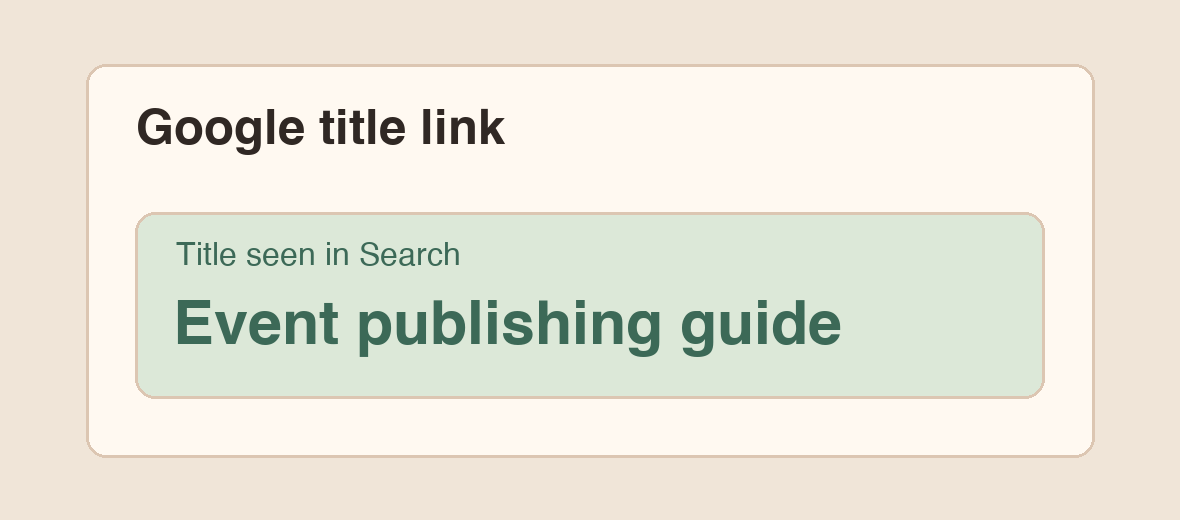
Find where the old text still appears. If it is in the live HTML, inspect the deployment and template. If Search Console reports a crawl from before the change, allow time for reprocessing. If the page has since been crawled, look at the visible heading, other prominent text and anchor text. Google automatically builds its title links from several sources.
Compare the HTML, inspection report and title link
Suppose you changed a guide's title on Monday from “Event publishing guide” to “How small teams schedule a workshop.” On Wednesday, a search still shows the old wording.
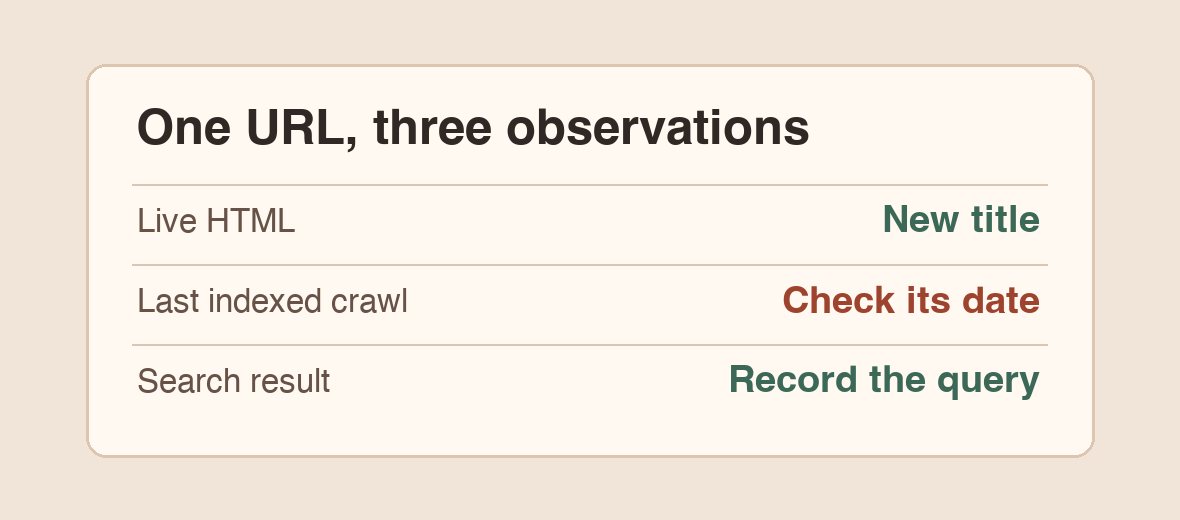
- Live HTML. Open the correct URL without signing in. Compare the <title>, the first prominent heading and the canonical. Check if navigation cards or the mobile view still show the old wording. Fix the deployment or cache if the page itself is stale.
- Indexed and live views. In URL Inspection, compare the last crawl in the indexed view with a separate live test. A successful live test does not show that the indexed page has been updated. If you have access and the page genuinely changed, you can request indexing. Repeated requests do not make a crawl happen sooner.
- The search result. Record the query, language and region. If the title still differs after recrawling, compare the page heading, internal link text and canonicals on similar pages. Check whether the result points to another URL.
Record what changed
Keep the date and the before-and-after HTML. On the next check, look for evidence of a newer crawl before comparing the result. Record the query if the displayed title changes. Other queries may still display something different.