
SEO · 3 min read
Bing IndexNow after a release: which URLs should you send?
Send the URLs that changed after deployment and check whether Bing accepted the notification.
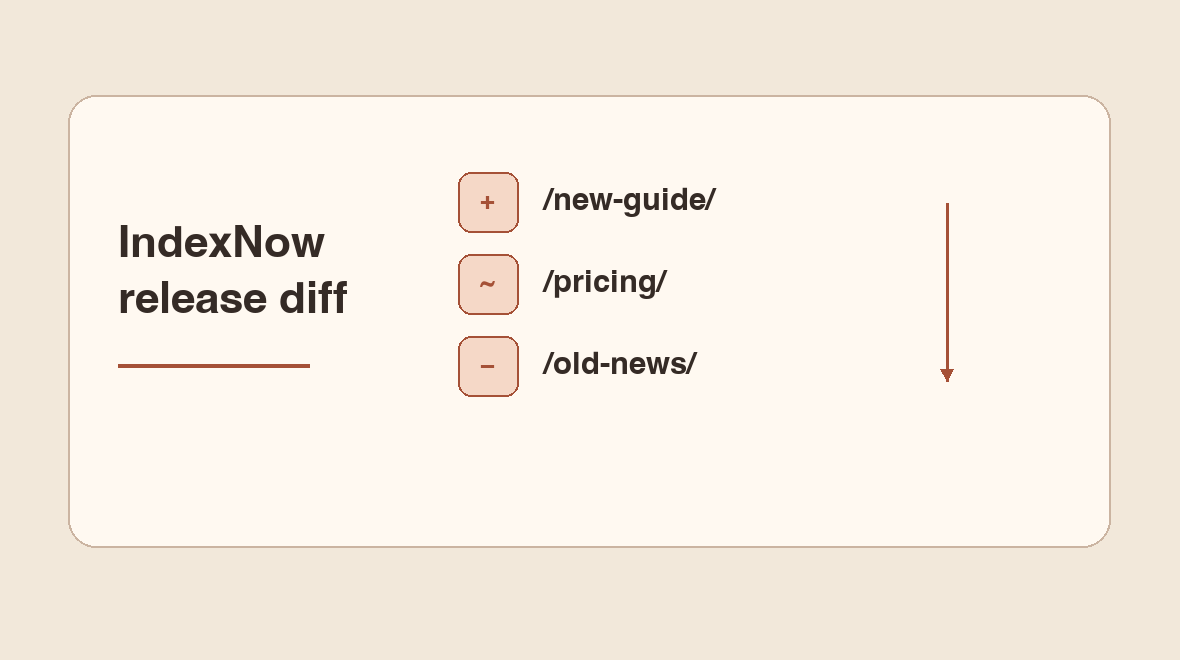
Use IndexNow to notify participating search engines about exact URLs that were added, changed or removed. Keep a sitemap for ongoing discovery of canonical URLs. Send the change once the public page is in its intended state, and check the response before assuming the notification was accepted.
Build the batch from the release diff
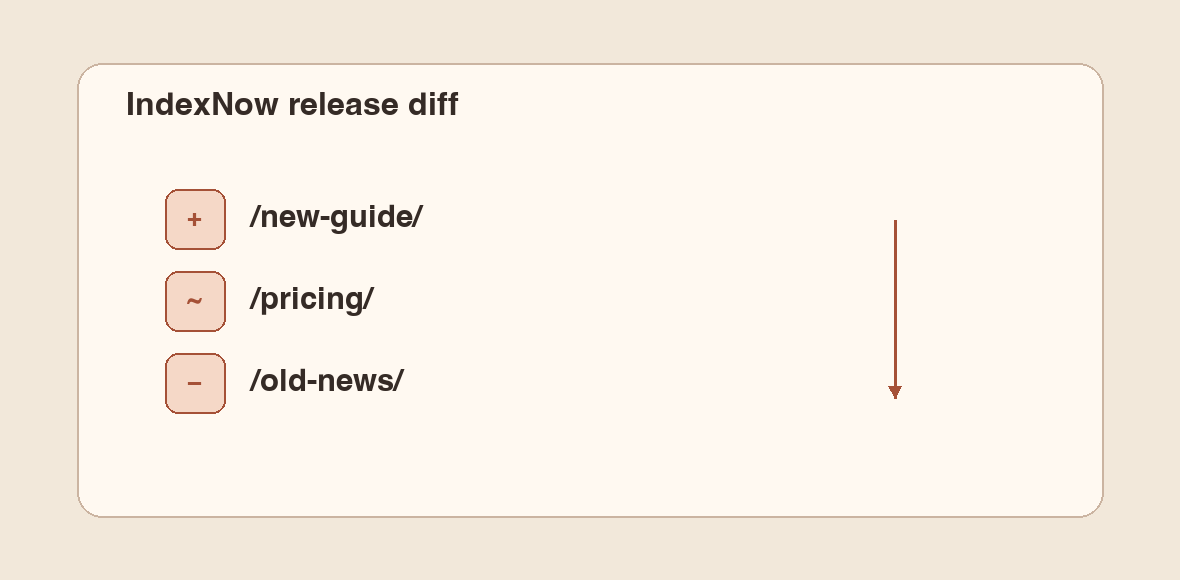
Imagine a release with a new guide, a revised pricing page and a retired announcement. Add the new guide and revised page to the notification batch. Check the old address first. If it has a meaningful replacement, configure the redirect. If the article is gone, verify an appropriate 404 or 410 response. Include the changed old URL in the notification too. Use full URLs belonging to the verified host.
Read 200 and 202 differently
Bing’s official instructions use a key file to verify the submitting site. The IndexNow protocol reports 200 when submission succeeded and 202 when it received the URL but still needs to validate the key. A host or key mismatch can return 422, and 429 indicates too many requests. Keep a note of the response and resolve its cause before resending.
Keep acceptance in the release log
Write down the changed URL, its public status and the IndexNow response. Take removed canonical URLs out of the XML sitemap. Bing can discover the change via the sitemap and see the changed response at the URL itself. If the team needs to know whether the new URL has entered Bing's index, check it separately with URL Inspection.