
Productivity · 4 min read
The client downloaded V1. Should you tell them when pCloud has V2?
Test the old link and a fresh download after replacing a shared file, then keep a separate copy for approvals.
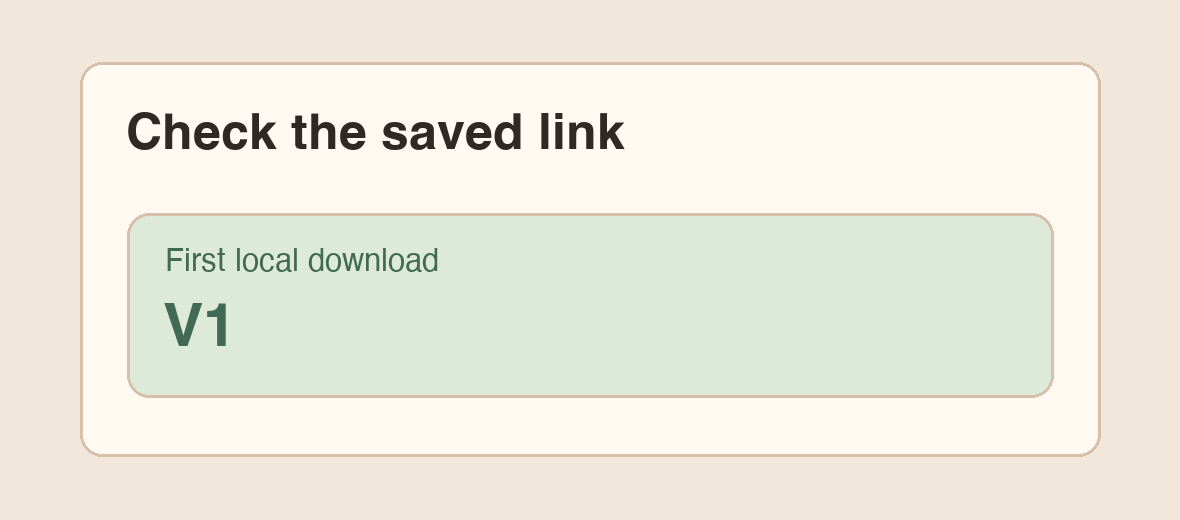
Yes. Even when the original link opens the latest file, it leaves the copy already downloaded to the client's device alone. Update the file in the same pCloud location and open the old link in a separate guest window. Preview and download it again. If the link fails, has different permissions or still delivers V1, send a verified working link.
Put a visible version label on both files
Use two test PDFs. Mark the first page of V1 “For review” and V2 “Pending approval.”
- Share V1 as proposal.pdf in a test folder. Save the link and a downloaded copy.
- Upload V2 with the same name to the same folder. Check whether it actually replaced the file or created a duplicate. pCloud's developer docs say same-folder, same-name creation reuses the file ID and saves the previous contents as a revision. Verify the behavior in your web or desktop client.
- Use the original link to reopen and download the file. Check that its first page says V2, while the first download still says V1. If you need to recover past versions, check the revision history available to your account.
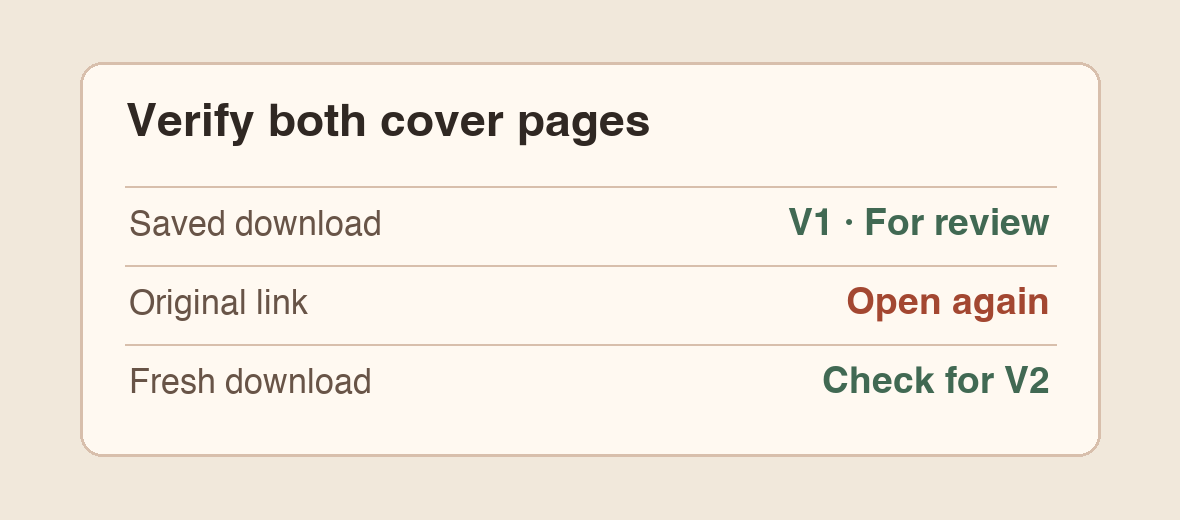
Keep a separate copy for approval
For an ongoing review, write “The original link now opens V2. Page 3 changed. Please replace any V1 download.” For final approval of price, scope or release, keep a separate versioned file and ask the client to confirm that version by name. Later edits to the shared link won't obscure which copy was approved.
The file-ID rule comes from the developer documentation. The replacement option and outcome still depend on the client used to upload. Keep a separate approval copy and use the old link to check both preview and a new download. Revision history itself is opened on the pCloud website.
Visit official website
ProductTally may earn a commission if you buy through these links.
pCloud · Visit official website
Official references
ProductTally may earn a commission if you buy through these links.