
Productivity · 4 min read
Should your client get a pCloud link or an invitation to the folder?
Choose pCloud access for client review, team editing and final delivery. Check who can download, edit or reshare.
Send a Shared Link when someone needs to open or download one proposal. A recipient can use a shared link without a pCloud account. Use Invite to folder when collaborators with pCloud accounts need ongoing access or need to add and replace files. Before sending sensitive material, check the access controls available on your plan.
Handoff
| Handoff | Access to consider | What to verify |
|---|---|---|
| A client reviews a proposal | Share the single file. Set a password or expiry if available and appropriate. | The client can open the proposal without seeing unrelated files. |
| Teammates take turns editing | Invite them to a dedicated delivery folder with Edit as needed. | The right people can add or replace files. |
| A client keeps the final package | Give View access to a dedicated archive or send a separate archive link. | The archive contains only agreed versions. Check when and how access can end. |
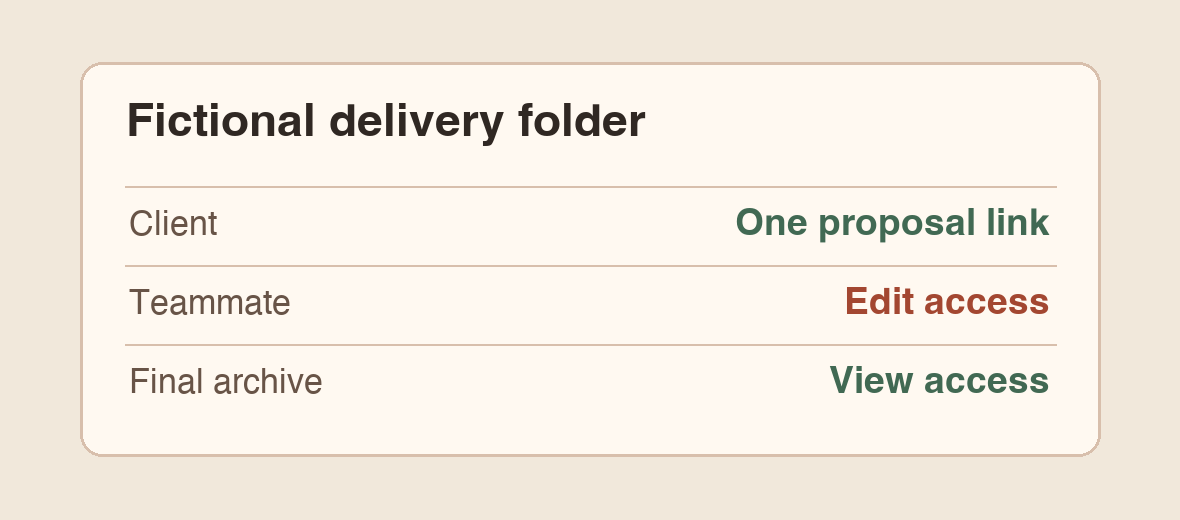
Edit and Manage grant different sharing powers
pCloud says View lets a member preview and download files. Edit adds the ability to add, change and delete files. Manage also lets the member reshare. Folder permissions apply to its files and subfolders, so put client deliverables in a separate folder when drafts need to stay internal. In a trial, revoke one test invitation and one test link, then reopen both old entry points to see what a recipient would get.
Folder invitations require pCloud accounts in the same data region, EU or US, according to pCloud. A Shared Link offers a browser preview without an account. Passwords and custom expiration for Shared Links are listed as Premium features. Check these conditions before promising a particular access method.
For collaborators in different data regions, pCloud documents a shared link with uploads enabled as a way for pCloud users to send files to the folder. If you only need to receive files, check File Requests instead. Its uploaders do not need to see the existing folder contents.
Visit official website
ProductTally may earn a commission if you buy through these links.
pCloud · Visit official website
Official references
ProductTally may earn a commission if you buy through these links.