
Audio & podcasts · 4 min read
How do you use a Castos transcript to make helpful show notes?
Use a transcript to write chapters and a summary, then verify which apps received synchronized WebVTT.
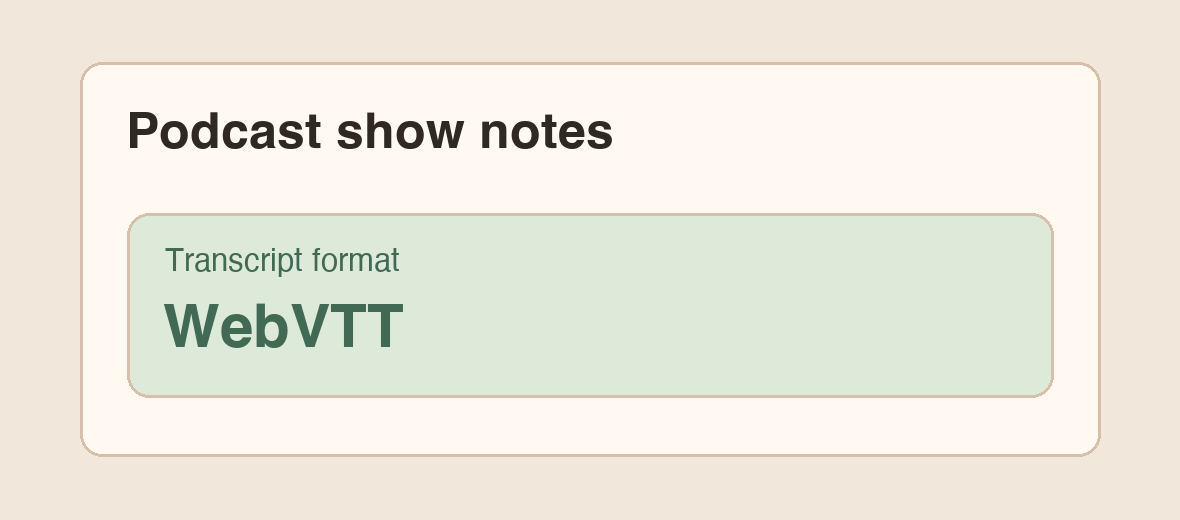
Castos can transcribe new audio and video episodes after you enable transcripts for the show. The current FAQ lists English, Spanish, Japanese and Chinese among the supported languages. Automatic language detection requires more than 60 seconds of audio. Proofread names and figures before turning the transcript into a summary and chapters.
Give the listener three places to start
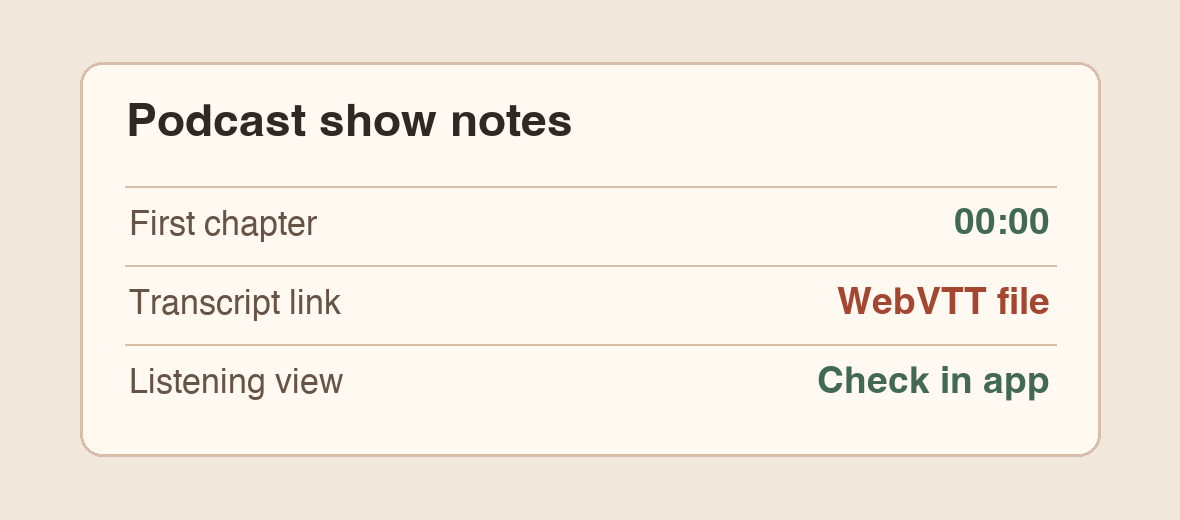
For a fictional interview, use 00:00 for the main question, 03:20 for a term listeners often misunderstand, and 08:00 for a concrete example. Write a self-contained sentence at each point. Check names, figures and units against the audio. Follow the links and listen at each timestamp before publishing.
Check the episode page and the feed
Castos sends generated transcripts through RSS as WebVTT, and you can upload your own VTT. Pasted text can stay on the episode page but does not go to apps as a synchronized transcript. After replacing the audio, check the transcript and cue times against the new file. Verify the published page, RSS and a supported app for the same episode.
Visit official website
ProductTally may earn a commission if you buy through these links.
Castos · Visit official website
Official references
ProductTally may earn a commission if you buy through these links.