
Audio & podcasts · 4 min read
How do you know existing subscribers still get episodes after moving to Castos?
Compare episodes and GUIDs, check the old 301 and verify the existing Apple Podcasts and Spotify listings.
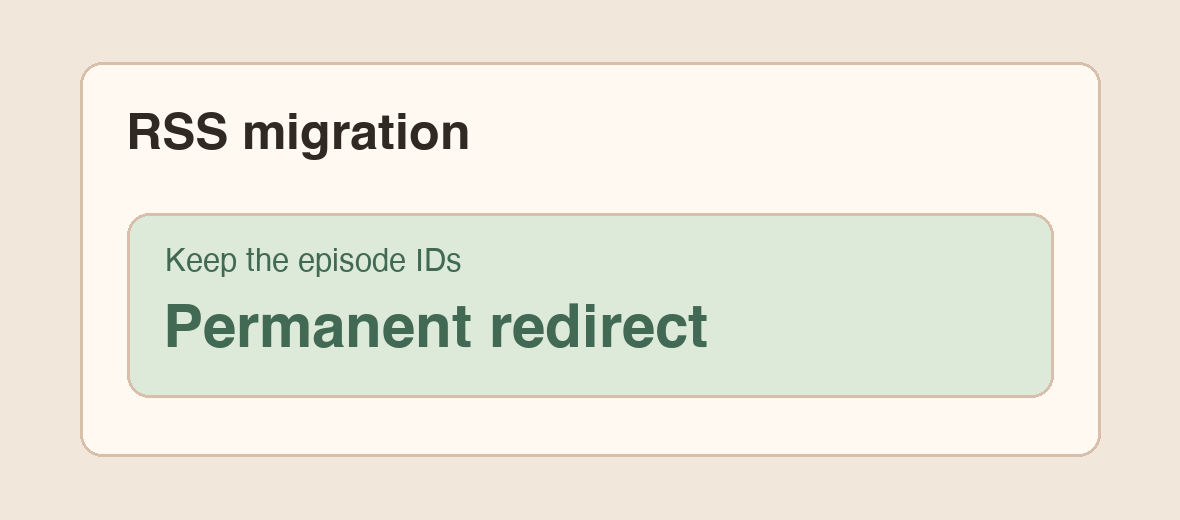
Import the old RSS feed into Castos and compare the episodes before redirecting the old address. Verify the move from the original feed and the existing directory entries.
Pick three episodes before the switch
Save both feed addresses. Pick the earliest episode, the latest and one with an unusual attachment. Check title, date, playable audio and its GUID. If a GUID changed, an episode is missing or audio fails, repair the import before putting the redirect in place.
Verify the redirect and the existing listings
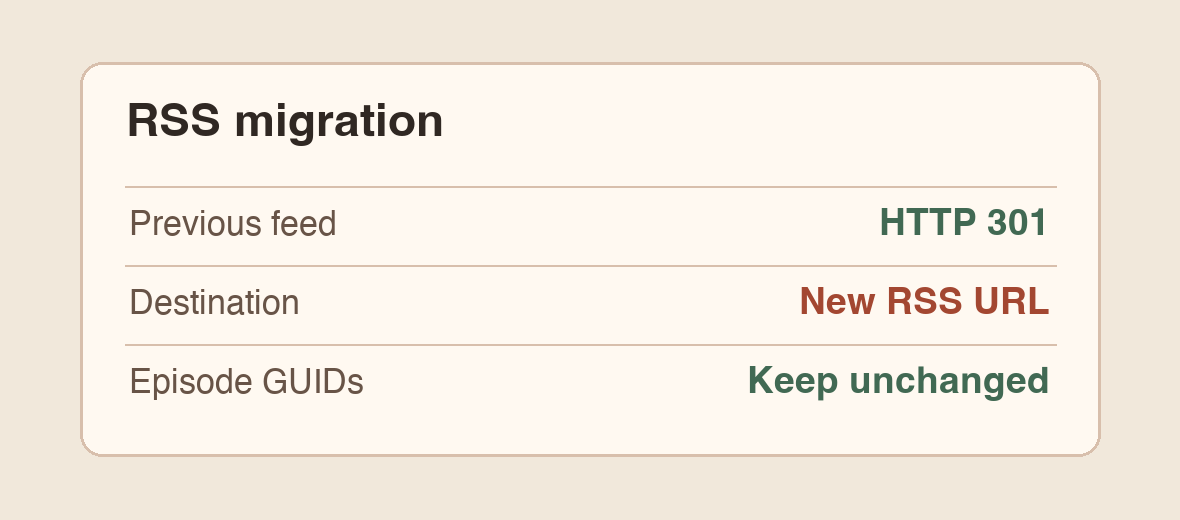
- Request the old RSS address and confirm a 301 leads to the Castos feed, without a loop. Record the date and both URLs.
- Open the existing show on Apple Podcasts. For self-managed feeds, Apple asks you to retain both the 301 and the new-feed tag for at least four weeks. Check what the old host actually implements.
- Verify the existing show's RSS or hosting settings in Spotify for Creators. Use the instructions for updating the current show.
After the next release, confirm that the same episode and playable audio appear through the old subscription path, the existing listings and the new feed. Record any delay or error before deciding when to close the old hosting account.
Visit official website
ProductTally may earn a commission if you buy through these links.
Castos · Visit official website
Official references
ProductTally may earn a commission if you buy through these links.