
Audio & podcasts · 4 min read
How do you grant and revoke access to a paid Castos podcast?
Test an individual RSS feed across signup, a new device and cancellation, with or without Stripe.
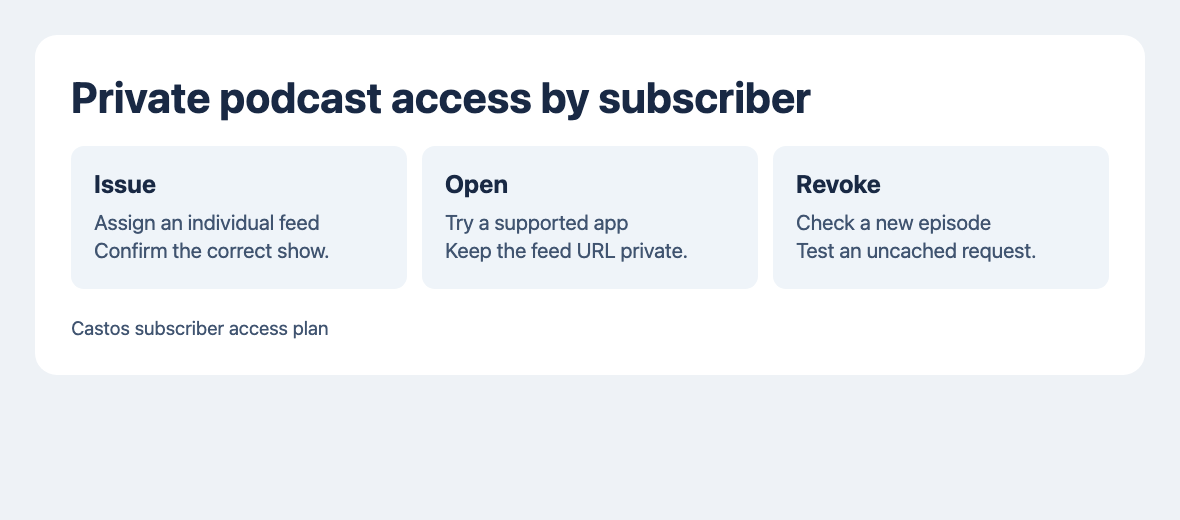
Give each changing member an individual private RSS feed. Castos lets you add and revoke individual subscriber access. Its generic private feed cannot be revoked or disabled once shared, so avoid sending that same address to paying members you will need to manage individually.
Check access with one test listener
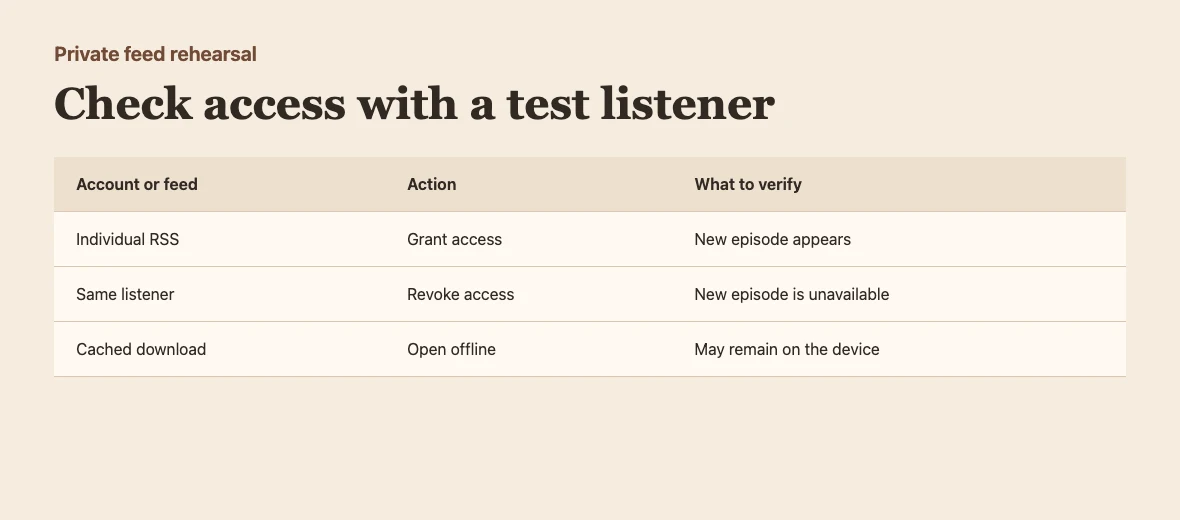
| Test | Expected check |
|---|---|
| New subscriber | Connect the member to the correct show; verify the welcome address and RSS import. |
| New device | Reuse the listener’s own feed in a compatible app. Check for the latest episode. Device setup and subscription sync are separate. |
| Cancellation | Revoke the subscriber, then check whether their address can fetch a new, previously undownloaded episode. |
Castos lists compatible players, including its own app and Apple Podcasts. Keep the individual feed private.
Check automatic removal separately
With the Stripe subscription-based automation, test start, renewal and end. A Stripe customer-created event does not establish a paid subscription, and granting access through that event alone has no corresponding automatic revocation. Check each Castos status in the test setup. Revocation does not remove episodes already cached on a device.
Use the subscription event pair in the Castos rule for the intended Stripe plan. Keep track of the exact podcast selected, and treat cached audio separately when testing removal.
Visit official website
ProductTally may earn a commission if you buy through these links.
Castos · Visit official website
Official references
ProductTally may earn a commission if you buy through these links.