
Productivity · 4 min read
A family appointment and a client deadline on the same day. Can Any.do show both?
Plan from one calendar view while keeping family events, personal tasks and work boards in the right places.
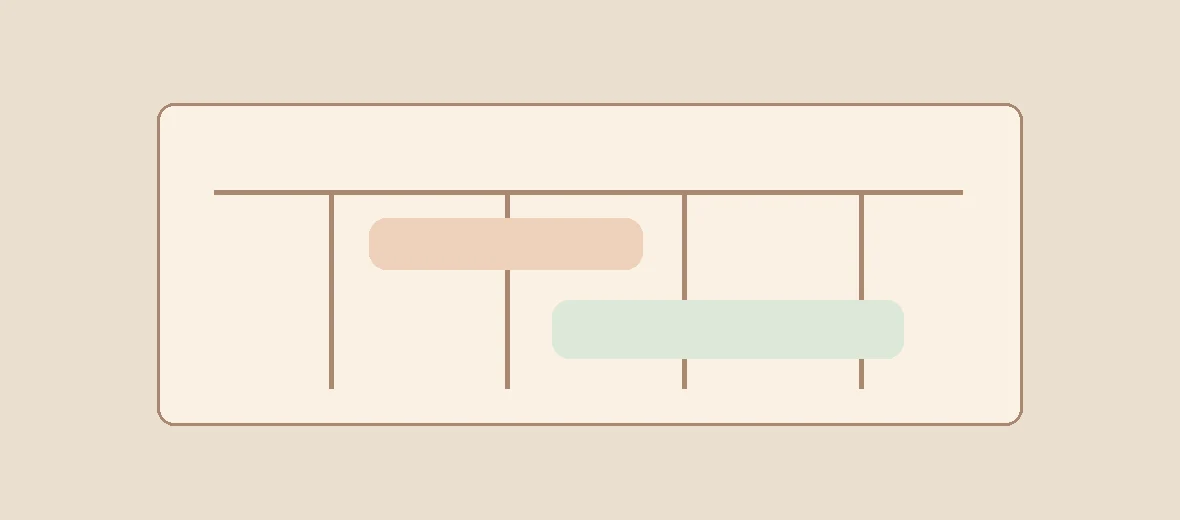
Yes. Any.do's Calendar View can show connected calendar events alongside personal tasks. Family and Workspace users can also show eligible shared board tasks. The connected calendar controls who can see events. Board membership and task settings determine what teammates or family can see in Any.do. Seeing both in your own view does not share them with anyone else.
Put both items in, then check three views
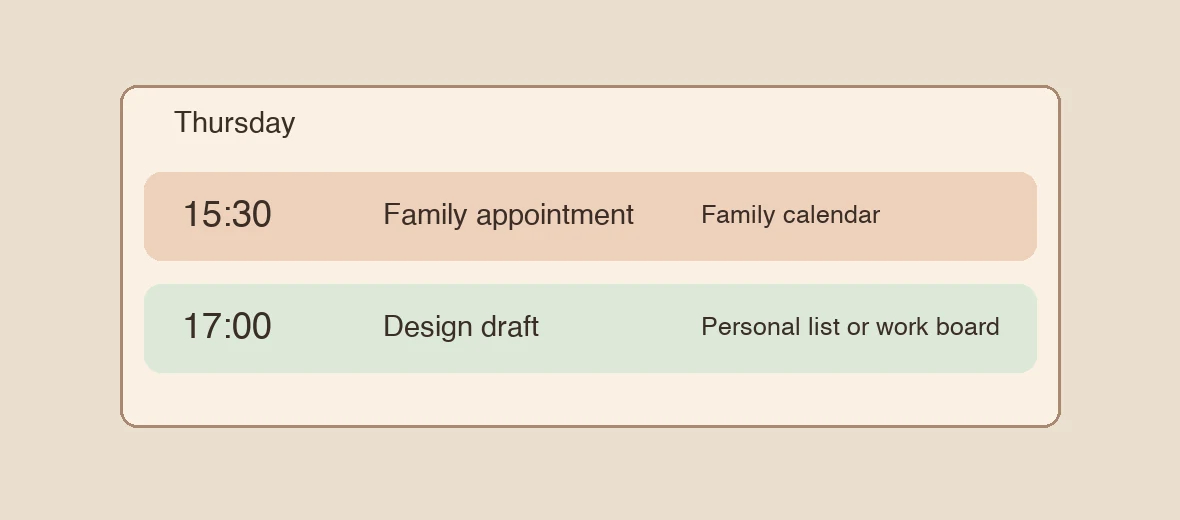
On Thursday, your family needs to see a 15:30 appointment and a client expects a design draft at 17:00. Save the appointment to the family calendar. If the deadline is yours alone, add a personal task. If the project team needs it, add it to the Workspace board that includes your teammates. Give the task a due date. To surface a shared task in someone's Calendar View, check the assignment and view settings.
Check your own view for both items. Then check the appointment from a family member's view and the design task from an authorized teammate's. If you need work to show that you're unavailable, use a generic busy block in the work calendar and keep the appointment details in the family calendar.
On a phone, Any.do mirrors events from the device calendar. The web or desktop app connects one calendar-provider account, so confirm that account can access the family calendar. Create a mobile task in its list or board and give it a due date. If an assigned board task still does not appear, check the relevant calendar view settings.
Check the destination before saving a new event
Android lets you select a default calendar. On iOS and web/desktop, the default follows the calendar last used to create an event. Confirm where a new meeting or appointment will land. On web/desktop the My Calendar controls let you toggle personal and Workspace tasks. Those controls change what you see. Access still comes from the calendar or board that holds the item.
Visit official website
ProductTally may earn a commission if you buy through these links.
Any.do · Visit official website
Official references
ProductTally may earn a commission if you buy through these links.