Free
One signature request per month per account, according to the vendor FAQ
Free
 ProductTally

Electronic signature software
Signaturely is an electronic signature tool that sends agreements for signing and lets you set the order for multiple signers.
ProductTally may earn a commission if you buy through these links.
ProductTally may earn a commission if you buy through these links.
Signaturely fits repeat client agreements with more than one signer. Rehearse the order with an internal copy and check where the completed agreement and audit record are saved.
Personal includes five requests a month and one reusable template. Estimate volume before choosing it.
One signature request per month per account, according to the vendor FAQ
Free
Five monthly requests and one reusable template for an individual
Unlimited requests and templates, team management and billing per user
Annual billing is $240 for Personal or $480 per user for Business. Review trial and renewal terms at checkout. · Nov 11, 2026
The vendor displays $. Confirm billing currency at checkout.
ProductTally may earn a commission if you buy through these links.
Signaturely · View official plans and pricingProductTally may earn a commission if you buy through these links.
Use an internal sample first. Confirm the second signer receives the request after the first signer completes it, then locate the completed document and audit record.
ProductTally may earn a commission if you buy through these links.
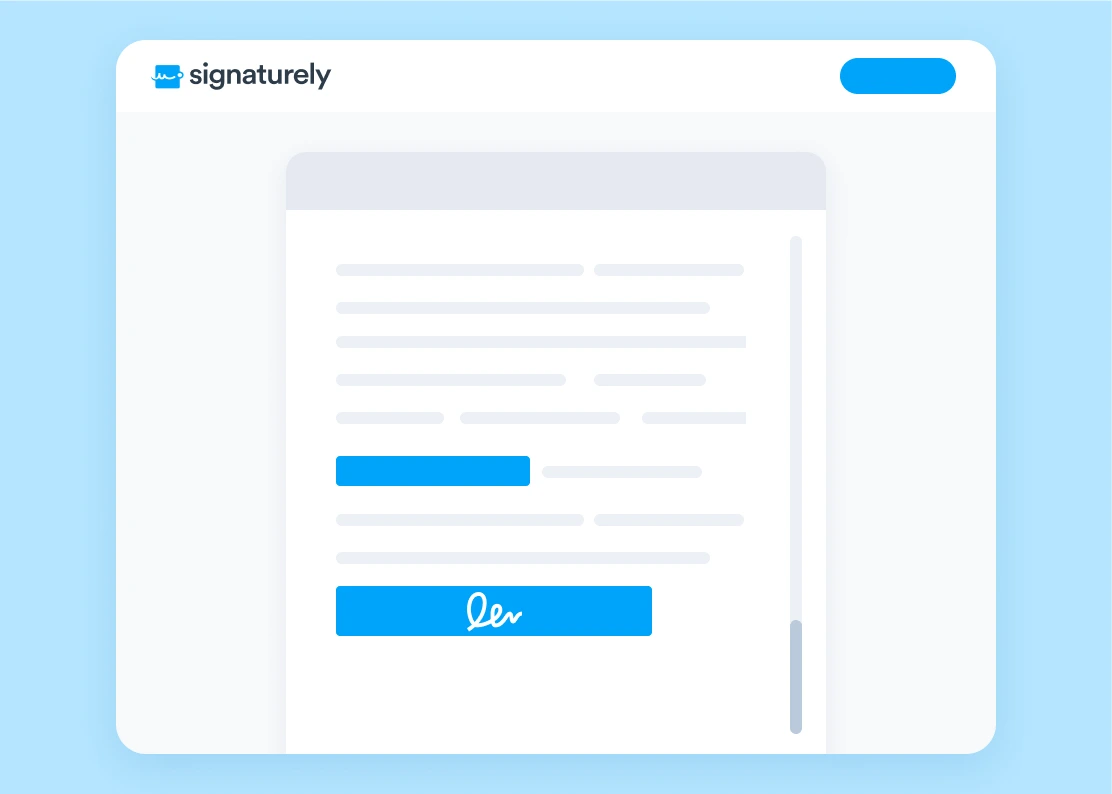
Signaturely’s guide to sending a documentProductTally may earn a commission if you buy through these links.
ProductTally may earn a commission if you buy through these links.
Assign signature fields to each recipient and set a signing order when one person needs to sign first.
Signaturely’s guide to sending a documentUse an internal sample first. Confirm the second signer receives the request after the first signer completes it, then locate the completed document and audit record.
Signaturely’s guide to sending a documentPersonal includes five requests a month and one reusable template. Estimate volume before choosing it.
View official plans and pricingRead about Signaturely in the ProductTally blog.

Productivity · 4 min read
Check the recipient, signing order and activity before sending a reminder or opening a new draft.

Productivity · 4 min read
Keep signer roles and dates consistent while using the correct scope and amount for every quote.