
Design & visuals · 4 min read
How do you hide customer information without losing the evidence in a screenshot?
Preserve the control a reader needs while removing sensitive pixels and embedded metadata from the actual export.
Retake the screenshot with test data if possible. Otherwise keep the relevant control in context, replace the sensitive pixels with solid opaque color and export a new flattened image. Open the actual export to check for leftover pixels, layers, annotations and metadata.
Keep the order status visible
If the reader needs to confirm an order is pending, keep Orders, the Status column and Awaiting review. The address at the right can be fully covered. Keep the column heading if it helps explain what was removed.
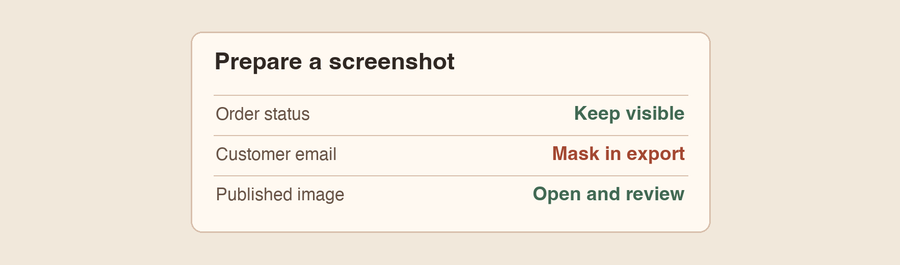
Review the file you will publish
Check the exported image on a small screen, then zoom into the cover edges and look at tabs, avatars and notifications too. Inspect the file's metadata and repeat on any CDN or social variant you actually publish. Keep source files and originals out of public paths. OCR adds a check; it cannot tell you what may still be visible or embedded. Caption the action in text so the reader also knows where to look without the image.