
Video · 4 min read
Submagic: What should you check before publishing captions for a livestream replay?
Check three lines against the original audio, then choose burned-in captions or a separate SRT.

Start with names, prices or units, and when each caption appears. Submagic lets you edit captions and export an SRT file or burn them into the video. Treat the text seen live and this corrected replay as separate versions.
Check the words against the audio
Use a short test recording and replace the sample times with the cue positions in that file.
| Fictional line | Check |
|---|---|
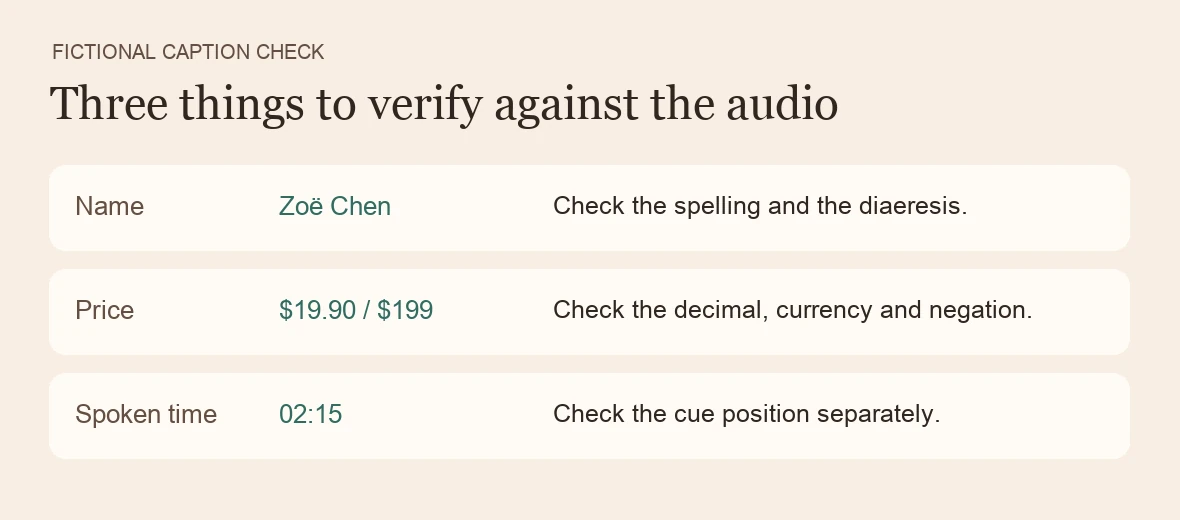
| “Our guest is Zoë Chen” | Accent, spelling and consistent names |
| “The plan is $19.90, not $199” | Decimal, currency, negation and meaning across line breaks |
| “At 02:15 we switch to the table” | Check the time spoken and separately when the caption appears |
Choose how to publish captions
Keep the original audio. Play the edited replay at normal speed and check pauses, overlapping speech and dense figures. For separate YouTube captions, select the language and file in the video's subtitles settings. Avoid layering a duplicate in the same language over burned-in captions unless you need both.
Visit official website
ProductTally may earn a commission if you buy through these links.
Submagic · Visit official website
Official references
ProductTally may earn a commission if you buy through these links.