
Marketing & social · 4 min read
Sked Social: The event moved. Which social posts still point to the old date?
Find old dates in scheduled and published posts, then verify reminder timing, registration links and approvals.
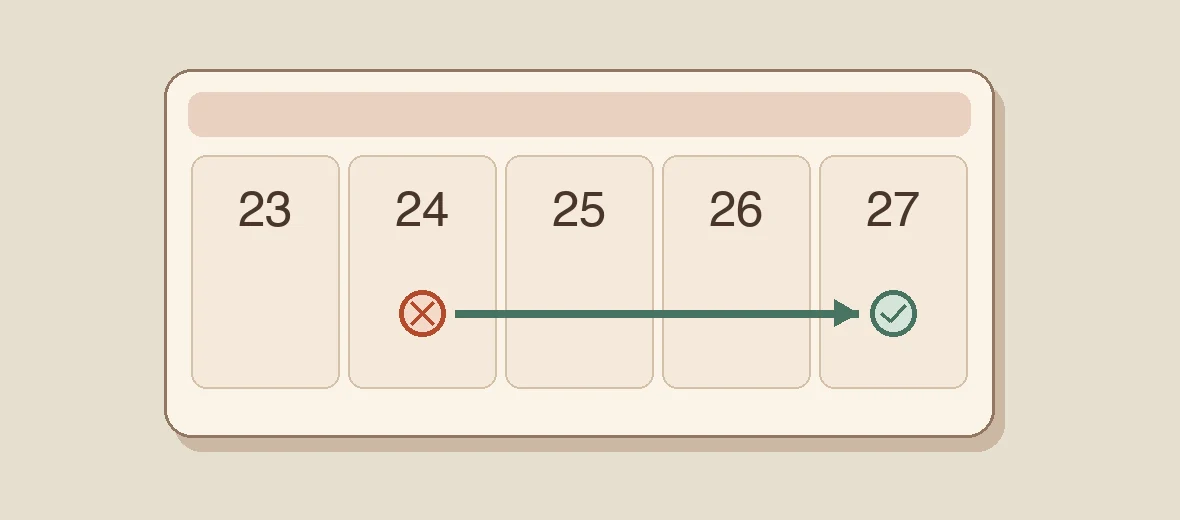
Use Sked Social Calendar to find and move affected scheduled posts. Update the artwork and registration link separately, then revisit posts already live and drafts that need another approval. Check the old and new windows in the event’s time zone.
A rescheduled workshop leaves three kinds of posts behind
Imagine the workshop was set for November 24, 2026 at 10 a.m. in New York. It moves to November 27 at the same local time. The original announcement is already live. A “See you tomorrow” reminder is scheduled for November 23. A co-host’s post is still waiting for approval. Search for the event name and old registration link across the relevant accounts, then check the date inside each graphic and video caption.
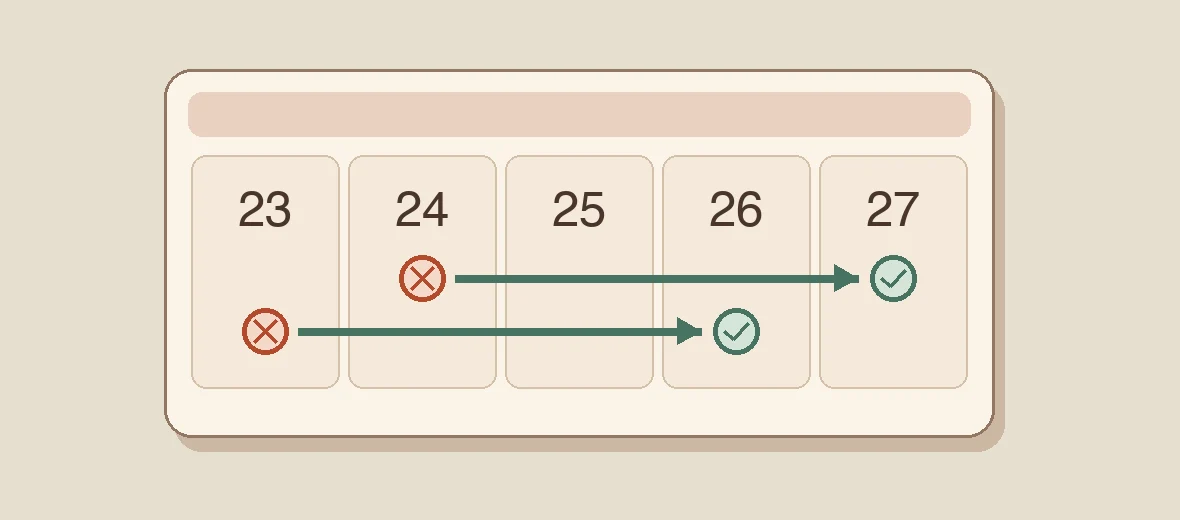
Move the scheduled reminder and check what it still says
Filter the affected accounts in Sked Social Calendar and switch to Week or Day. Drag the reminder from November 23 to November 26. Open it after the move, update any old date in the caption or graphic, and click the registration link to confirm the destination. Check separately scheduled versions for other accounts.
For a live announcement, check editing options on the original platform and publish a correction if needed. For a co-host draft, send the revised artwork and link back to the reviewer.
Check both calendar windows before handing over
In this example, the event is November 27 at 10:00 in New York, which is 15:00 UTC. The day-before reminder is November 26 at 10:00 in New York. Confirm the time zone shown in the calendar, look for leftovers around the old slot, then walk the new sequence from the first reminder to the event link.
Visit official website
ProductTally may earn a commission if you buy through these links.
Sked Social · Visit official website
Official references
ProductTally may earn a commission if you buy through these links.