
Video · 4 min read
How do you keep YouTube and Twitch chat straight in Restream?
Rehearse where messages come from, which channel receives your reply and when the bot relays comments.
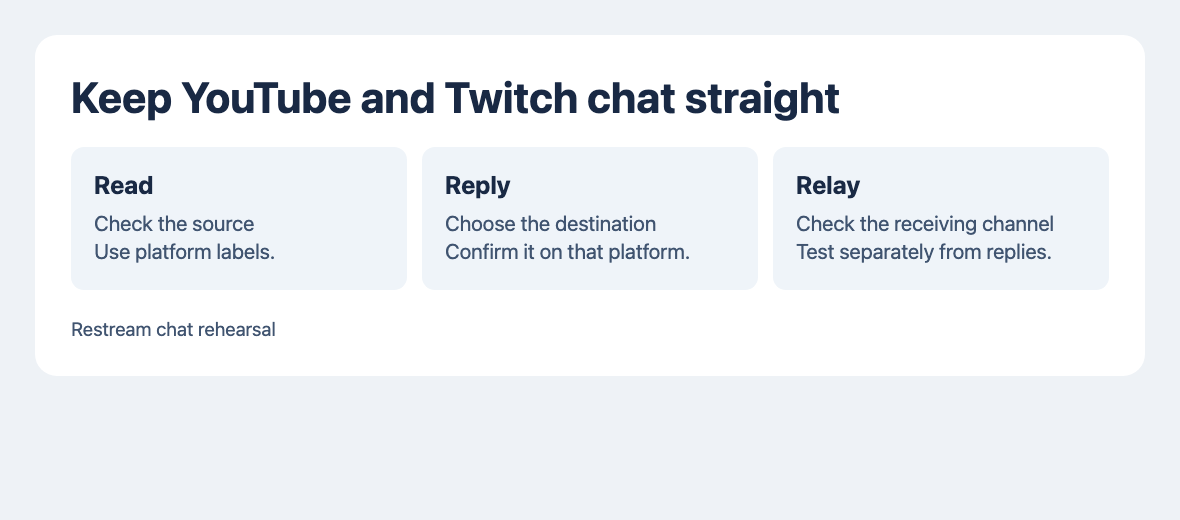
Start by reading and replying from one producer view. Restream lists YouTube and Twitch as supporting reading, replying and receiving relayed comments. Leave Relay off during the first rehearsal, then check each platform’s rules before enabling audience-facing relay.
Rehearse three messages
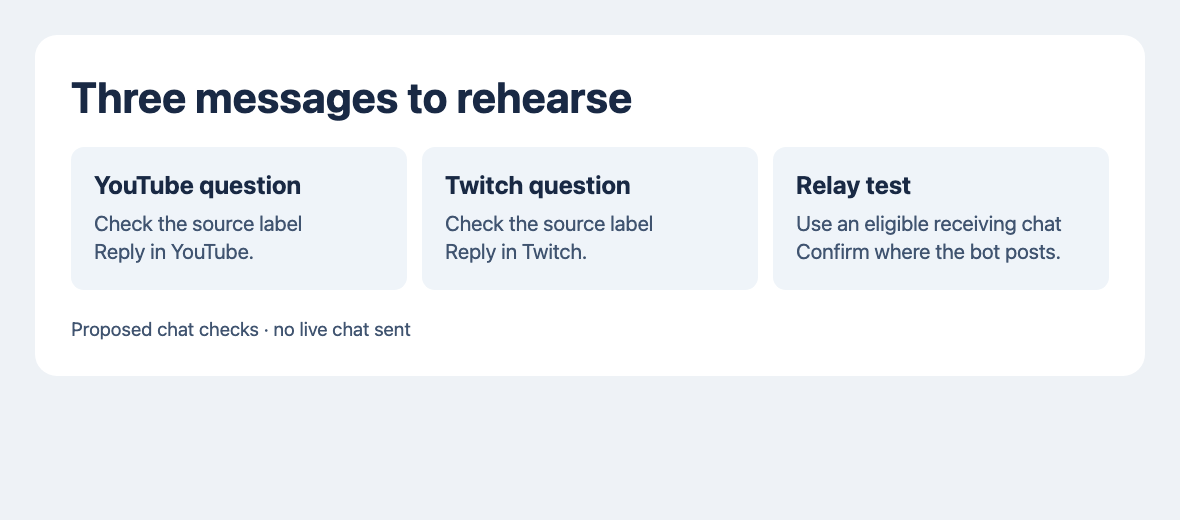
Have one tester on YouTube and another on Twitch name their channel in a sample question. Check the sources in Restream, choose the destination for each reply and confirm it on that platform. Enable Relay next. Send another Twitch message and check whether the relay bot posts it on YouTube.
Keep the producer’s chat view separate from the public broadcast
Twitch allows tools that combine chat for personal use. Check its simulcasting guidance before adding a merged chat to the public broadcast. Rehearse reading and replying first with Relay disabled. Check the direction and receiving channel separately if you test Relay.
If Restream missed a message, check the event, connection and read support. If a reply is missing, check its destination. If a comment was not copied, check Relay and whether the receiving channel supports it. Restream says Facebook comments can be relayed to YouTube but not the reverse. Assign someone to watch any channel that needs attention in its native chat. Tell viewers where to ask.