
Video · 4 min read
How to rehearse a two-person interview in Restream Studio
Run a short rehearsal to check guest entry, separate tracks and uploads before recording or going live.
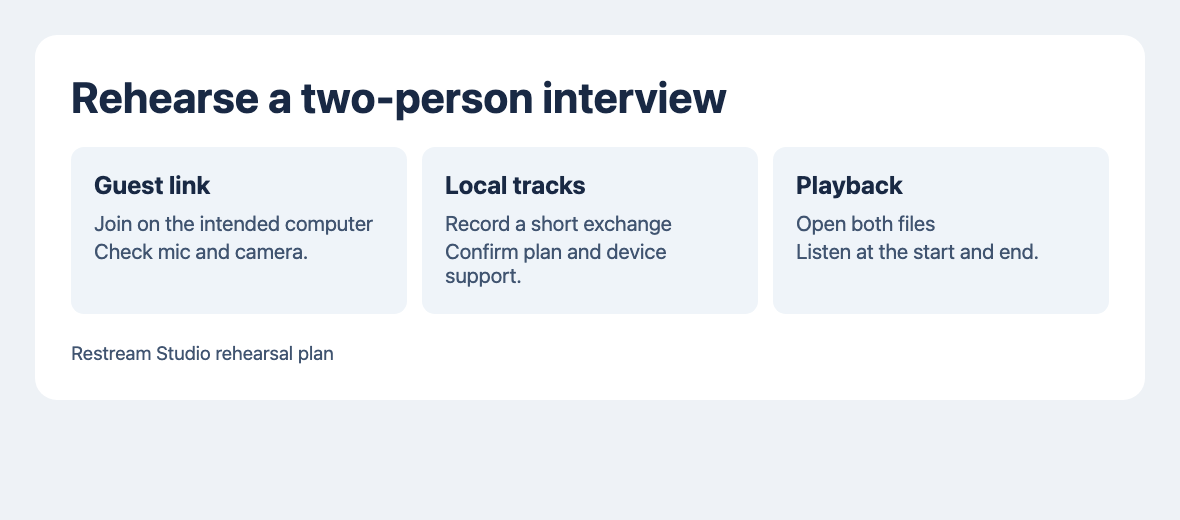
Open your Restream Studio invite in a guest browser before the interview and test the headset and camera. If you need editable guest media, check your plan for Local recordings, switch it on in Studio and ask the guest to use a computer during the beta. Test the files before the real session.
Check the guest link and recorded tracks
Do a short rehearsal on the same equipment you will use on the day. Join from the guest link, confirm both cameras and microphones and record a short exchange. Restream says Local recordings is a paid Studio beta, with plan-dependent duration and mobile participants excluded. If you need the guest’s separate local track, run the rehearsal with their desktop browser.
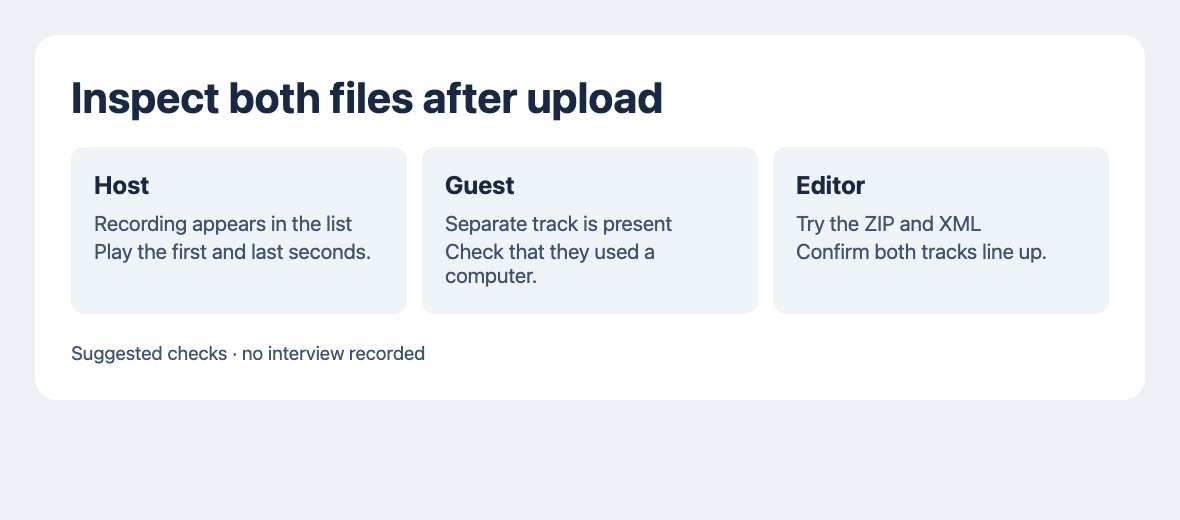
Open the files before ending the rehearsal
After recording, open Download → Local Recordings or find the session in Video Storage. Check both tracks play from the beginning and end and that the uploads are complete. Test the ZIP and XML export in your editor if your handoff uses it. For a broadcast rehearsal, Restream documents using an unlisted YouTube test. Open the test as a viewer before treating it as a successful rehearsal.