
E-commerce · 4 min read
How to check your first Printify T-shirt sample
Order one T-shirt in your intended selling configuration and check the artwork, placement and fabric before listing it.
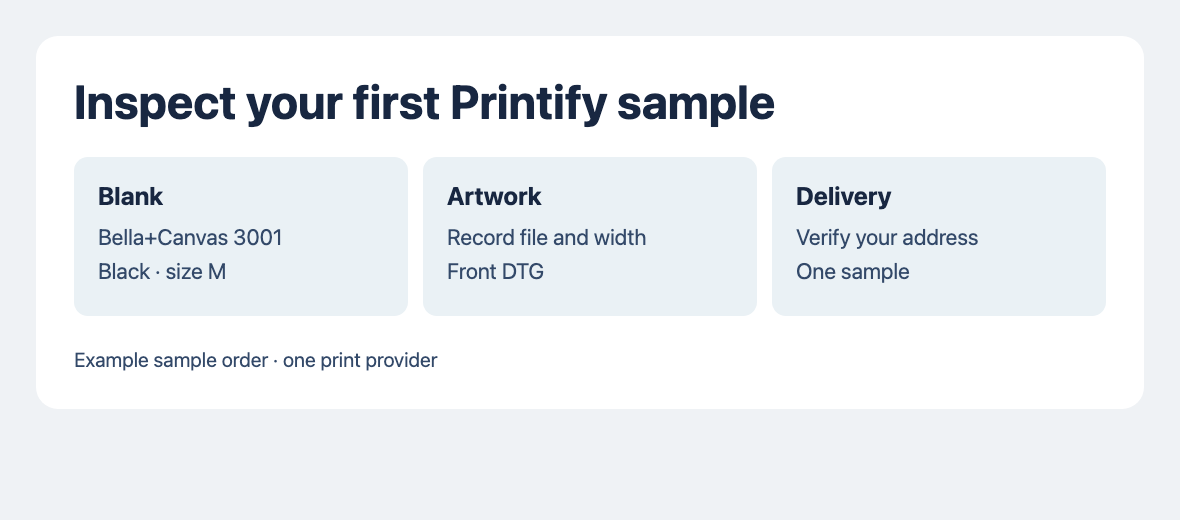
Order a Printify sample in the exact configuration you want to sell. Keep the print provider, garment, color, size and artwork together in one record. After delivery, check the print against that configuration before using the sample to make a listing decision.
Create a sample order in Printify
Open My Products or Orders, then choose Create order → Sample. Add the intended product and review the delivery address. Printify says samples use regular pricing. Premium base price discounts can still apply, with no separate sample discount. For personalized items, Printify recommends ordering through the sales channel to test the buyer experience.
Printify Help Center · How does sample ordering work?
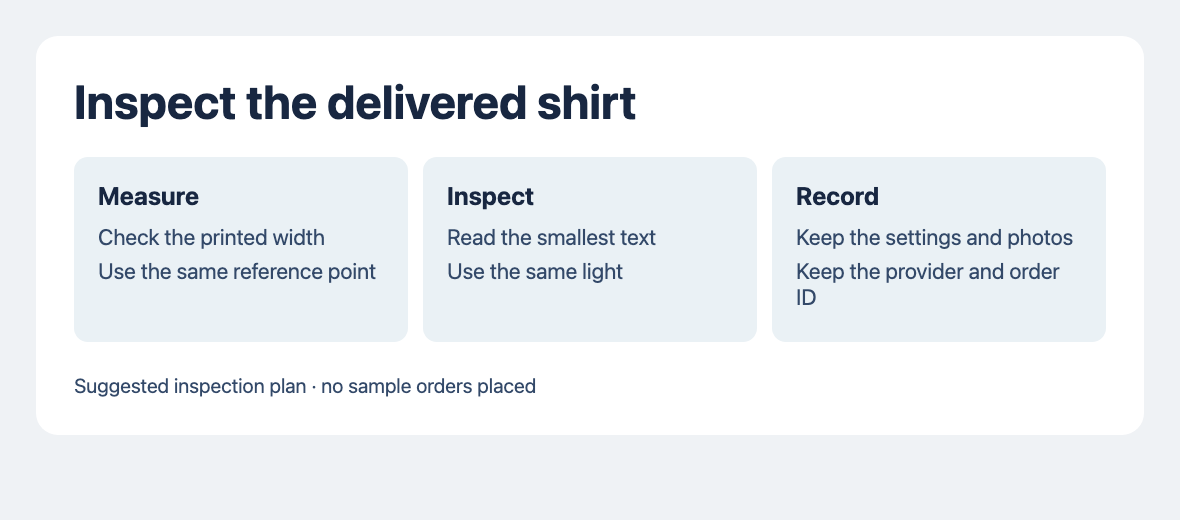
Inspect the print after delivery
Use a numbered test file with small text and a thin line. Record the print width before submitting it. Once the sample arrives, measure the design edge to edge, check whether the text is legible in ordinary light, and photograph the garment and placement. Keep your photos with the order configuration.
If you switch provider, fabric or print method, order a new sample before relying on the first result. This is a proposed inspection workflow.
Visit official website
ProductTally may earn a commission if you buy through these links.
Printify · Visit official website
Official references
ProductTally may earn a commission if you buy through these links.