
Productivity · 4 min read
PDF2Go: Your scan is searchable. Why still check the receipt number against the image?
Compare the searchable text layer against the original scan, especially identifiers, decimals and multicolumn totals.
PDF2Go's Make PDF searchable tool adds a searchable text layer to scanned pages. Search for a normal heading to make sure the layer works. Then copy the high-risk fields and compare them with the scan. The scanned page can look identical while the recognized characters differ.
Check receipt dates, IDs and amounts against the scan
PDF2Go’s official workflow is to upload a scanned PDF, select the document language, and create a searchable copy. Open the resulting file and compare the fields you intend to reuse against the original image.
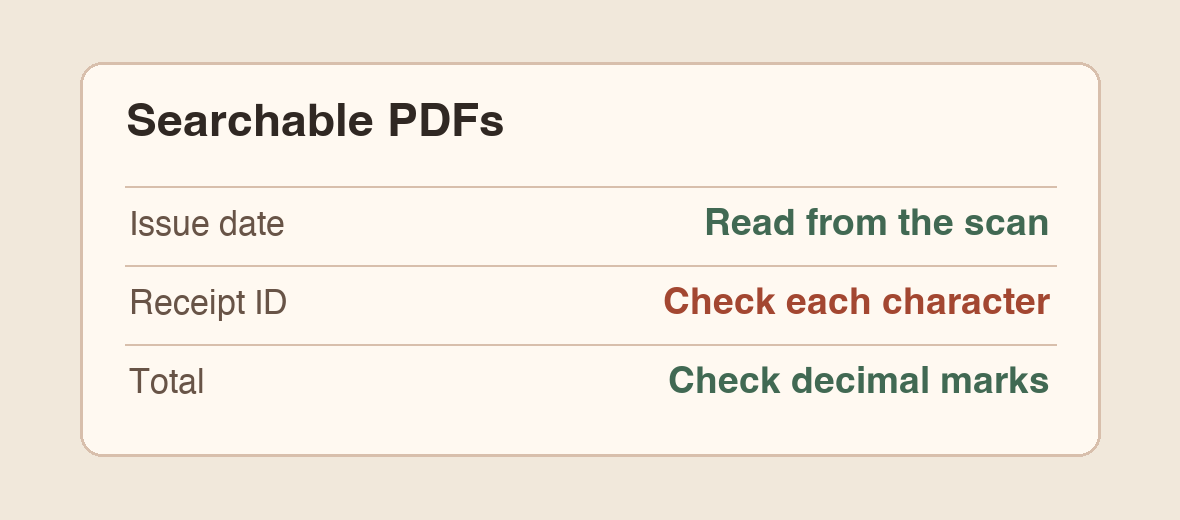
Check the fields you will reuse
Check identifiers, account fragments, due dates, taxes, totals and decimal marks against the image before reusing them. Copy a small passage from each column first, then examine the order when copying the whole page. If the scan is blurred, try a clearer original and keep that image. Upload only files you have permission to send to an external service.
Visit official website
ProductTally may earn a commission if you buy through these links.
PDF2Go · Visit official website
Official references
ProductTally may earn a commission if you buy through these links.