
Productivity · 4 min read
PDF2Go: Your PDF fits the limit. Can your client still read the chart footnote?
Compare Basic and Strong against your upload limit and inspect small labels and chart footnotes before delivery.
Start with Basic in PDF2Go. If it fits the upload limit and the key details stay clear, use it. If it is still too large, run Strong from the original and inspect small labels in charts and screenshots. The tool also offers quality presets. Compare the outputs from the same original that you have permission to upload.
Selectable text and a caption inside an image behave differently
PDF2Go documents Basic for medium file size and high quality, and Strong for a smaller file. In a proposal with an image-based chart, visually check labels and footnotes as well as selectable text.
Check the final copy before sending
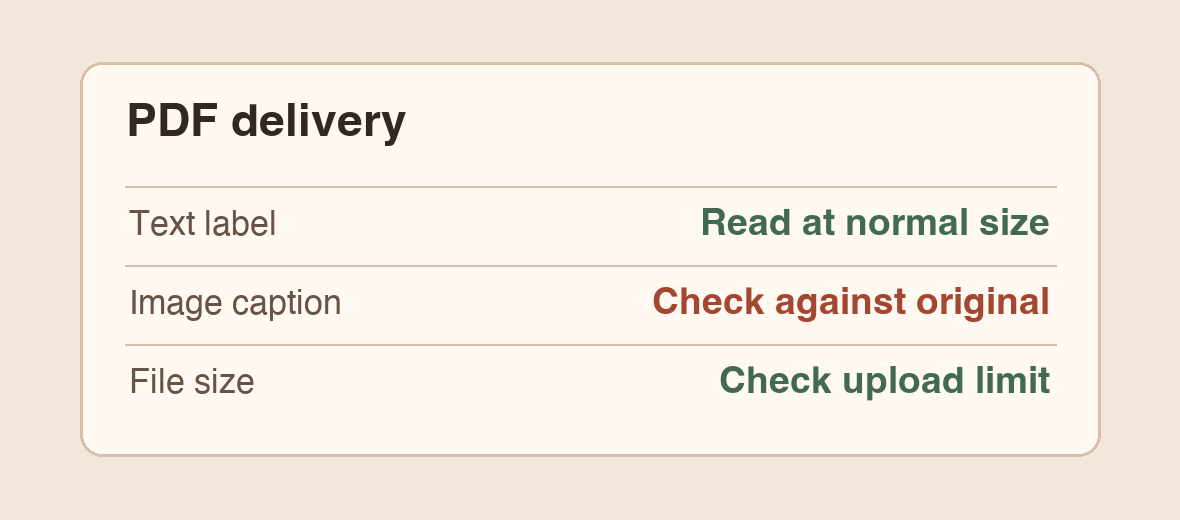
Before sending, compare the smallest numbers, pale labels and thin legend lines against the original, then check page count and any links, fields or selectable text the recipient needs. Keep signed originals and ask whether the recipient accepts a regenerated copy. Handle restricted files using your organization's approved tools. If you have the design source, exporting again with important footnotes as text may help.
Visit official website
ProductTally may earn a commission if you buy through these links.
PDF2Go · Visit official website
Official references
ProductTally may earn a commission if you buy through these links.