
Video · 4 min read
Movavi Video Editor: How much background noise should you remove in Movavi?
Compare the original, a light pass and a stronger pass for steady fan noise and isolated clicks.

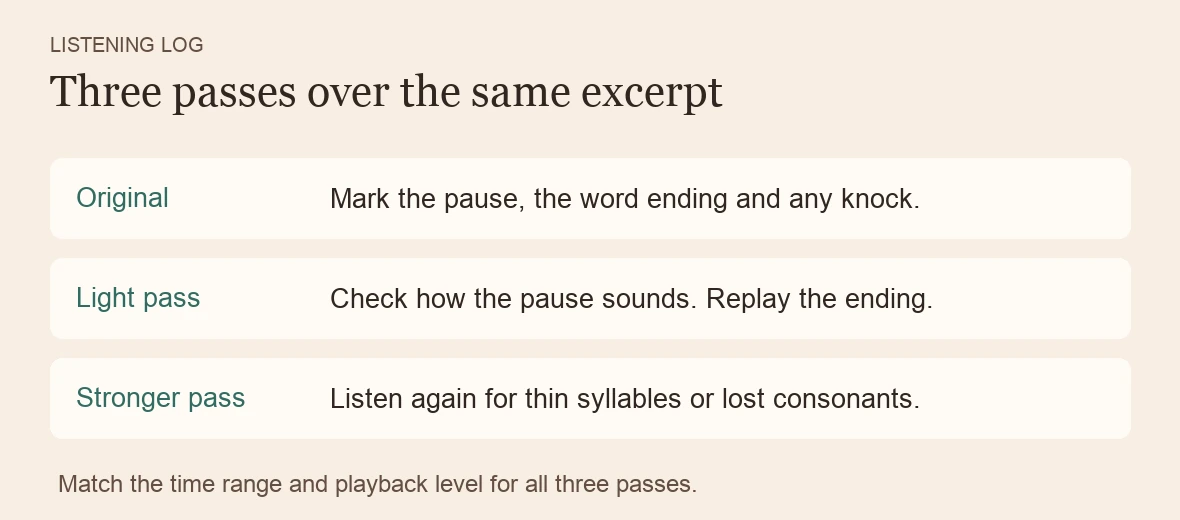
Save the original track. Compare a light and a stronger pass on the same excerpt at the same playback level. Movavi documents automatic noise removal and a manual slider. Listen for quiet consonants, word endings and the first word after a pause.
Prepare a steady-noise sample and an isolated knock
Use two excerpts of 10–20 seconds each. For fan noise, keep a pause and check whether speech endings remain audible. For a keystroke or knock during speech, listen for thin or unstable speech, then try editing only that portion or re-recording a key line.
Listen to the finished dialogue
Record the editor version, mode and visible strength. Lower the setting if words become harder to understand. Rejoin the dialogue and check speaker changes, loudness and peaks in the final export. These are listening checks for your own footage.
Visit official website
ProductTally may earn a commission if you buy through these links.
Movavi Video Editor · Visit official website
Official references
ProductTally may earn a commission if you buy through these links.