
Productivity · 3 min read
How to record partial payments against one Flowlu invoice
Use invoice transactions to account for a deposit and a remaining balance.
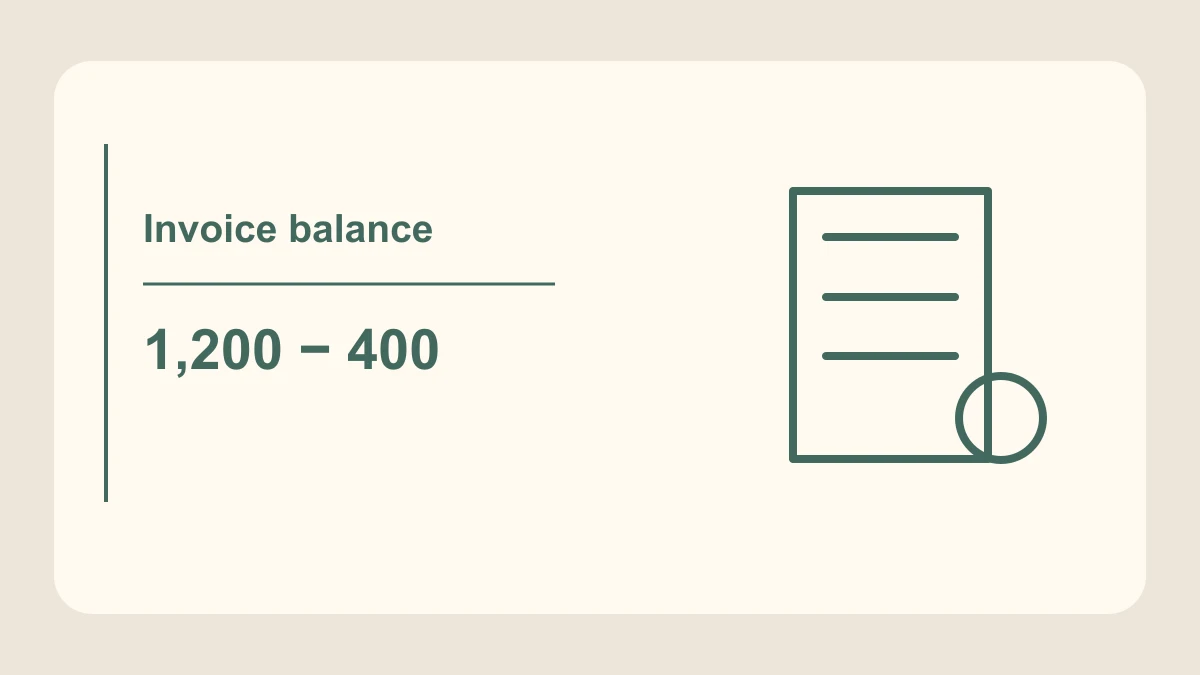
In Flowlu, record a payment on the original invoice and review it in Transactions. The official guide identifies partial payments and advances as uses for this tab. Invoice editing becomes unavailable after an invoice transaction is created.
ProductTally may earn a commission if you buy through these links.
Work from one invoice number
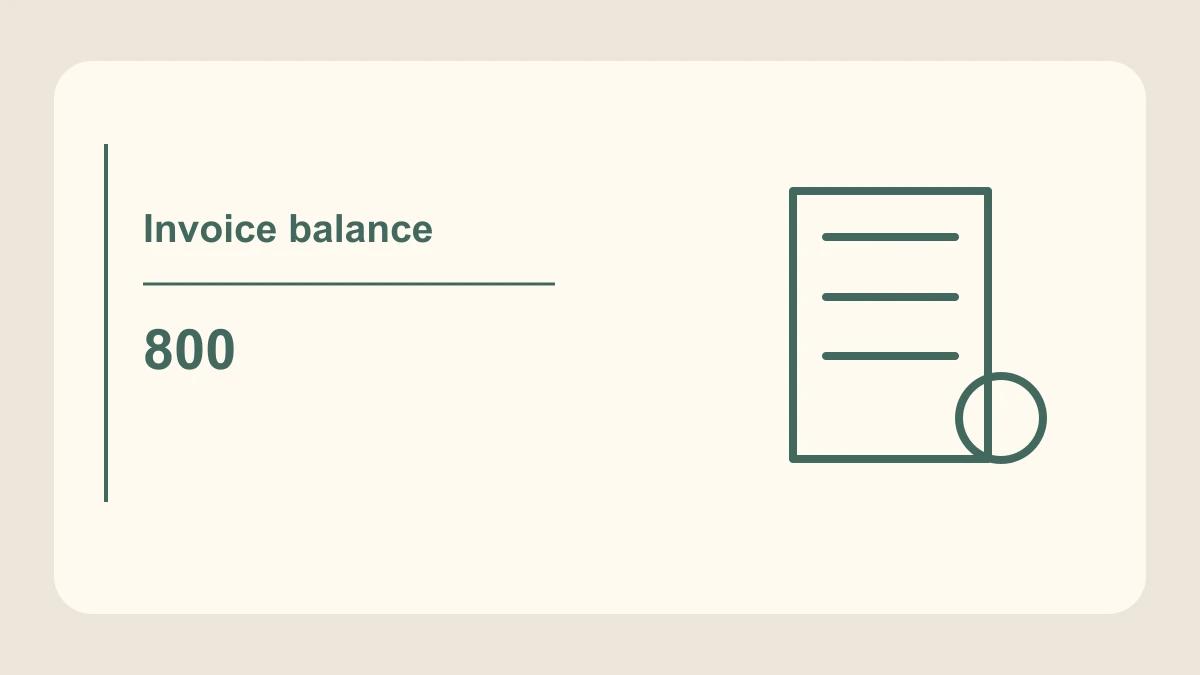
For a $1,200 design invoice, record a $400 deposit when received. Check its date, amount and reference against the payment record. The accounting example leaves $800 outstanding. When the $800 arrives, record it against the same invoice and reconcile the two entries with the original total.
Hand off the remaining balance
Tell the next operator the invoice number, deposit reference, remaining amount and due date. Confirm billable scope and currency before posting the first transaction, since editing is then restricted. If the figures disagree, reconcile the transaction records before sending another payment request.
ProductTally may earn a commission if you buy through these links.
Official references
ProductTally may earn a commission if you buy through these links.