
E-commerce · 3 min read
Shopify net sales after a partial refund: reconcile one discounted order
Use a single discounted order to understand Sales over time and the Payments finance report.
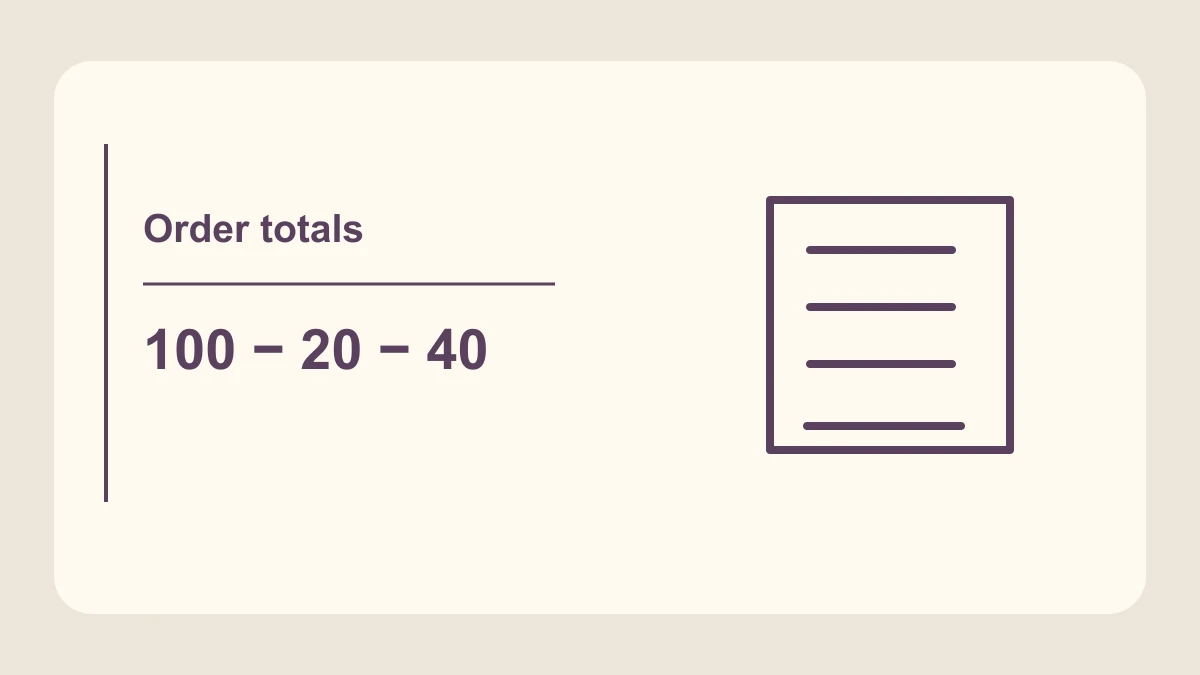
If a Shopify order is partially refunded after a promotion, reconcile the merchandise in Sales over time and the movement of money in Payments. Shopify calculates net sales as gross sales less discounts and sales reversals. A reversal can occur on a different day from the original sale.
Put the sale and reversal on separate dates
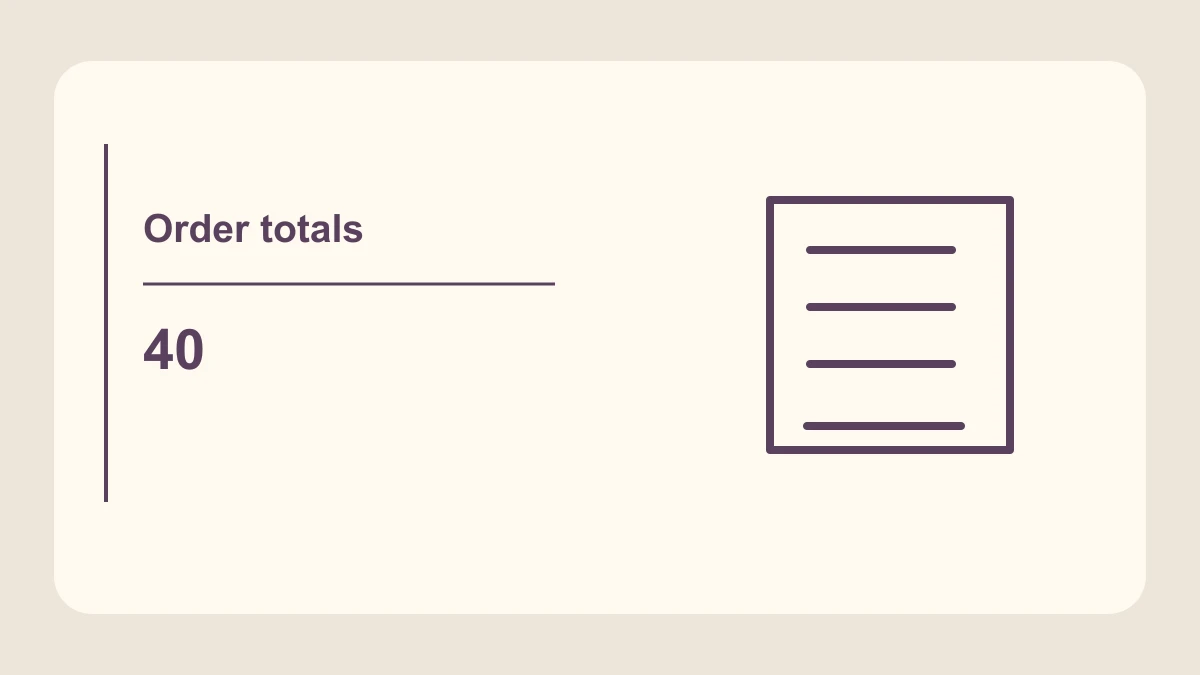
Suppose two $50 items sold Friday with a $20 discount allocated evenly. Friday net merchandise sales are $80. If one item is refunded Monday at its $40 discounted value, Monday records a $40 merchandise reversal. Across both dates this order contributes $40 in net sales. Shipping and tax are left out of this example.
Reconcile the amounts with different reports
Pull the order and the refund date first. In Sales over time, check the gross sale, the discount and the reversal. In Payments, check the refund transaction, payment method and date. Use one store time zone and currency before comparing totals. If shipping was refunded too, record it separately so it doesn't get counted again as a product reversal.