
E-commerce · 3 min read
Shopify buy two, get one free: why is the gift missing from the cart?
Set up two full-size items and one free sample, then tell customers what to put in their cart.
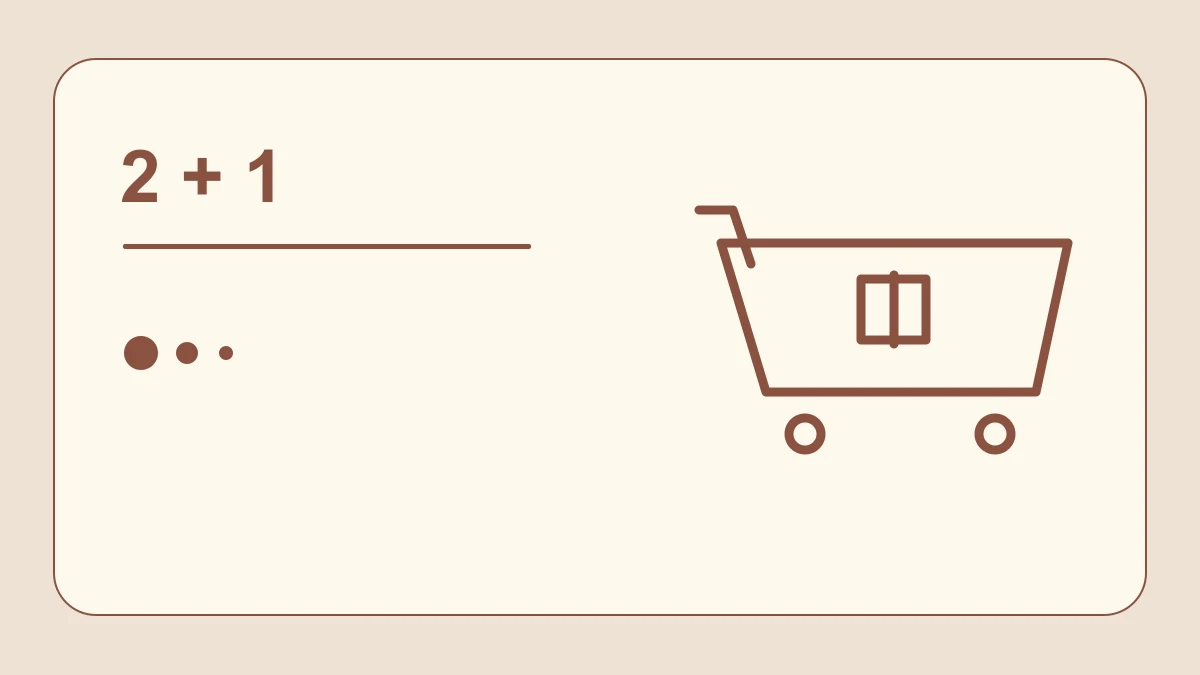
Shopify’s built-in Buy X get Y can discount an eligible sample already in the cart. Customers add all qualifying items themselves. An automatic discount applies the offer under its rules and leaves adding the gift to the customer.
Set up the qualifying items and the gift separately
For a sample offer, set the qualifying quantity to two and choose the full-size products under Customer buys. Under Customer gets, select one sample and set the discount to free. If you intend to give away one sample per order, review the maximum uses per order. A separate sample listing also makes the gift clear and gives you a place to explain availability.
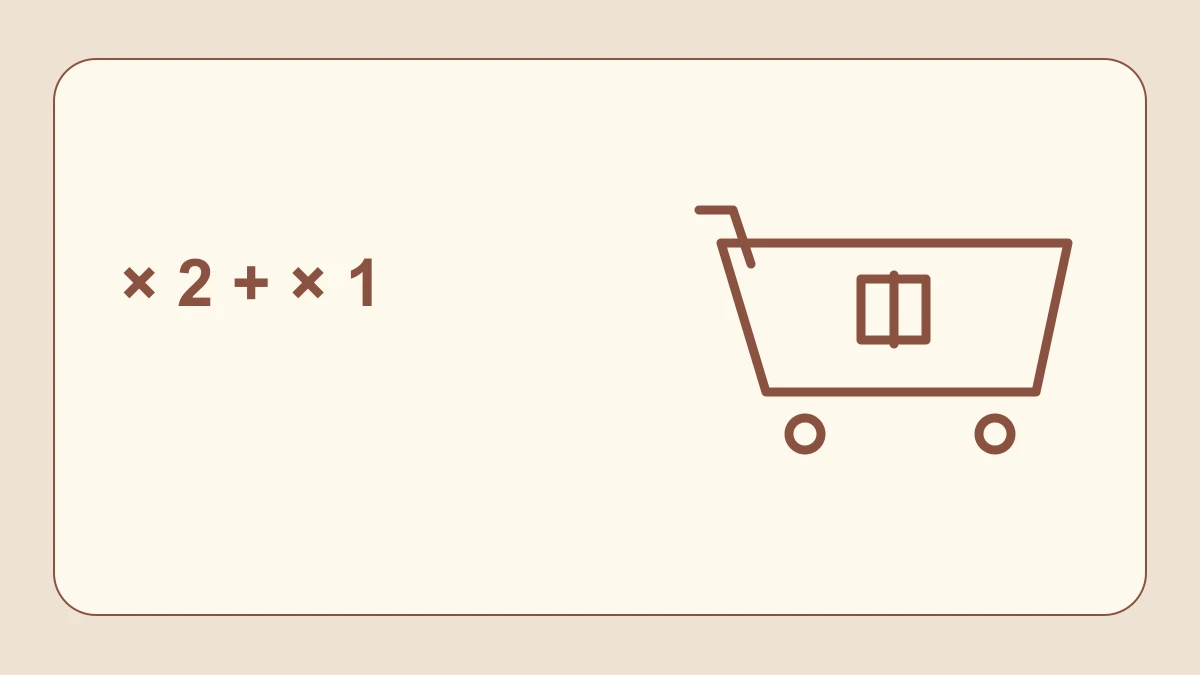
Put the last instruction beside the cart
Try “Add two full-size items and one sample. We’ll take the sample price off automatically.” A cart with only the two paid items still needs the sample. With all three present and eligible, look for the deduction on the sample line. If shipping is also on offer, review discount combinations and state the eligibility window separately.