
SEO · 3 min read
Keep a page in Google Search while changing AI visibility
Choose between excluding a Search Console property from selected AI surfaces, limiting a passage and removing a page from Search.
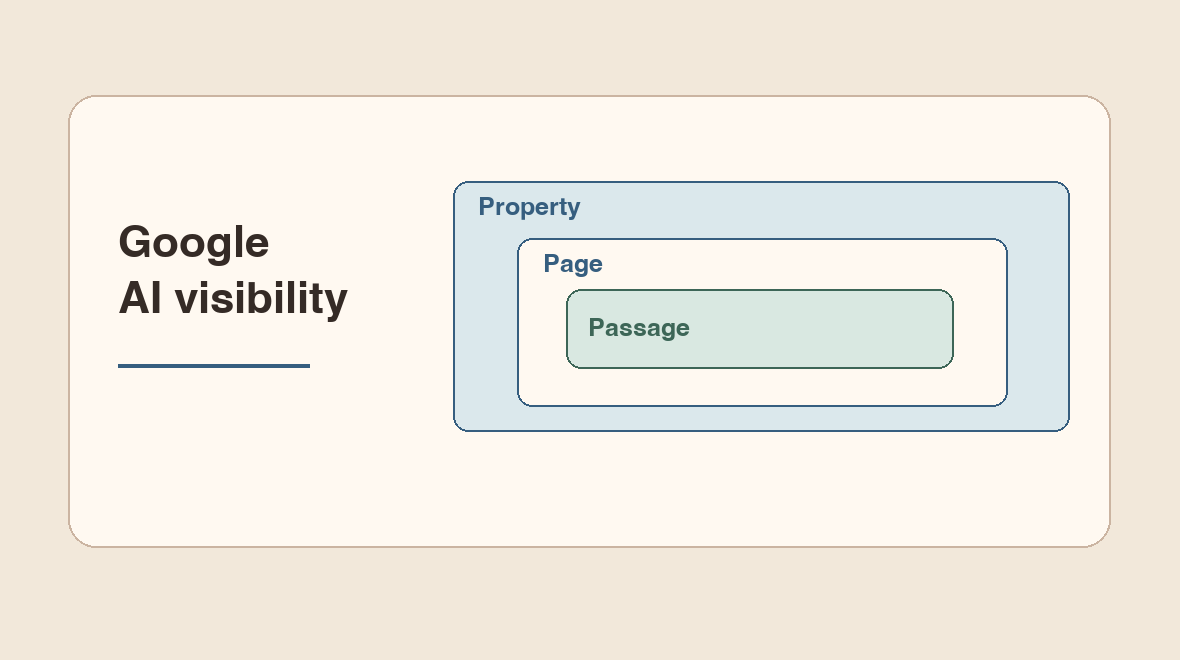
Google’s Search generative AI control applies to a Search Console property. Google lists AI Overviews, AI Mode and generative AI features in Discover. Use that setting when the whole property needs the same policy while remaining eligible for other parts of Search. For a particular passage, look at Google’s snippet controls. For removing a public page from Search entirely, look at noindex.
A site-wide policy starts with the property selector
In Search Console, open Settings and then Search generative AI. Check the selected domain or URL-prefix property and whether it inherits from a parent. For example, if you run a help center and a public blog, check which property covers the help center before changing the domain setting. Record the scope and selected option before making the change. Google says some content can take longer to reflect the change because of caching.
A single passage belongs in the page template
Suppose a public article should remain searchable, but you want to limit use of a particular block in snippets. Apply data-nosnippet to a supported element such as a div around that passage. For page-wide preview choices, review nosnippet or a max-snippet limit. Confirm on the actual rendered page that the control is attached to the right text.
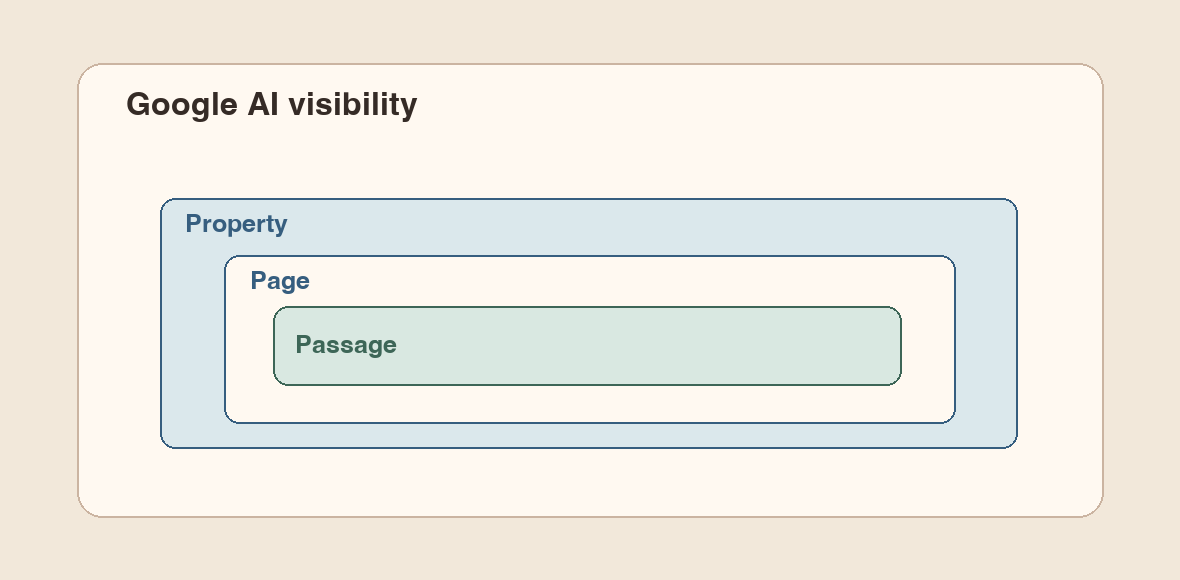
An entire page needs its own indexing decision
If a public page should be absent from Google Search, make noindex visible to Google’s crawler. Blocking that URL in robots.txt can prevent it from seeing the rule. If the content is confidential, require authentication before serving it. Decide on the action based on the intended exposure: one block, one public URL, or a property’s inclusion in selected Google AI features.