Free
75 credits per month in eligible countries
Free
 ProductTally

AI video clipping and captions
quso.ai is an AI video tool that turns longer recordings into short clips or adds captions, with an estimated credit cost shown before processing.
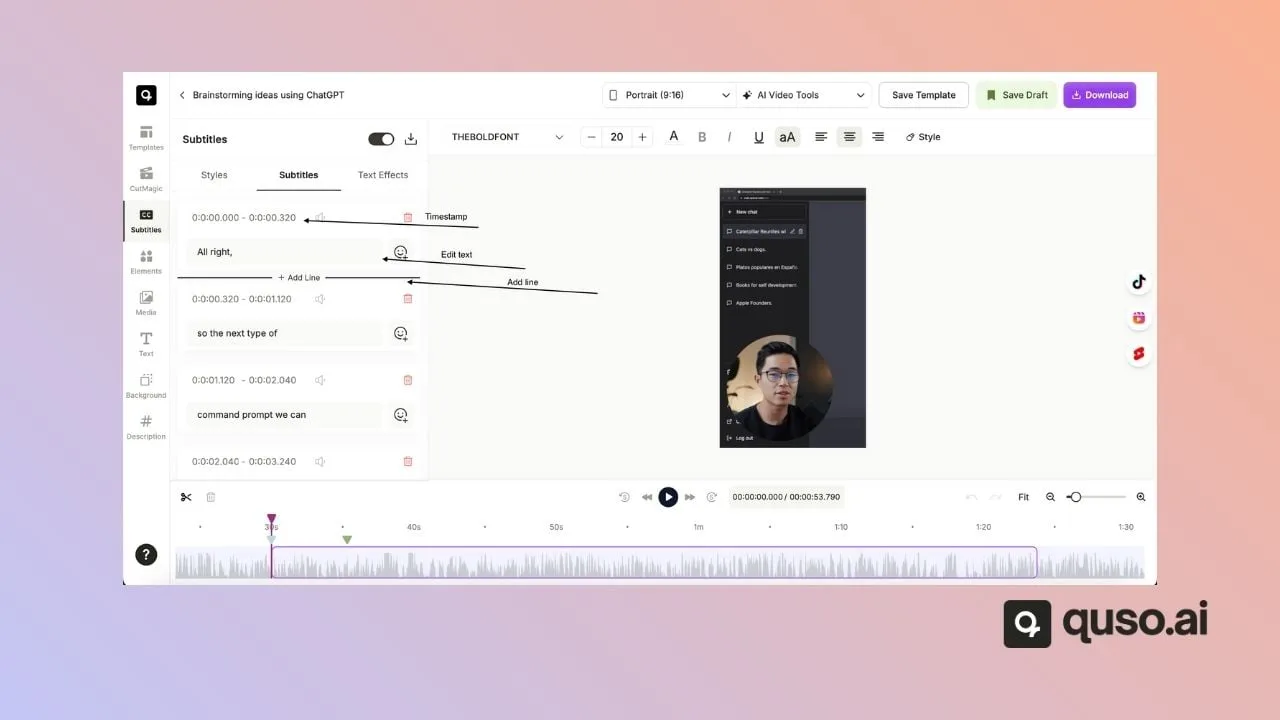
quso.ai fits creators who want to reuse a long recording and budget for processing. Select a representative video and compare the displayed estimate with your balance before starting.
Credit packs and subscription allowances depend on what your account offers.
75 credits per month in eligible countries
Free
100 credits per month
300 credits per month
600 credits per month
USD amounts are the public subscription prices where available. A separate pay-as-you-go account displayed one-time packs of 100 credits for HK$19, 250 for HK$38 and 500 for HK$66. Check your own offer and billing terms. · Nov 11, 2026
quso.ai · View official plans and pricingWrite down the estimate and your available balance for the same file before starting the job.
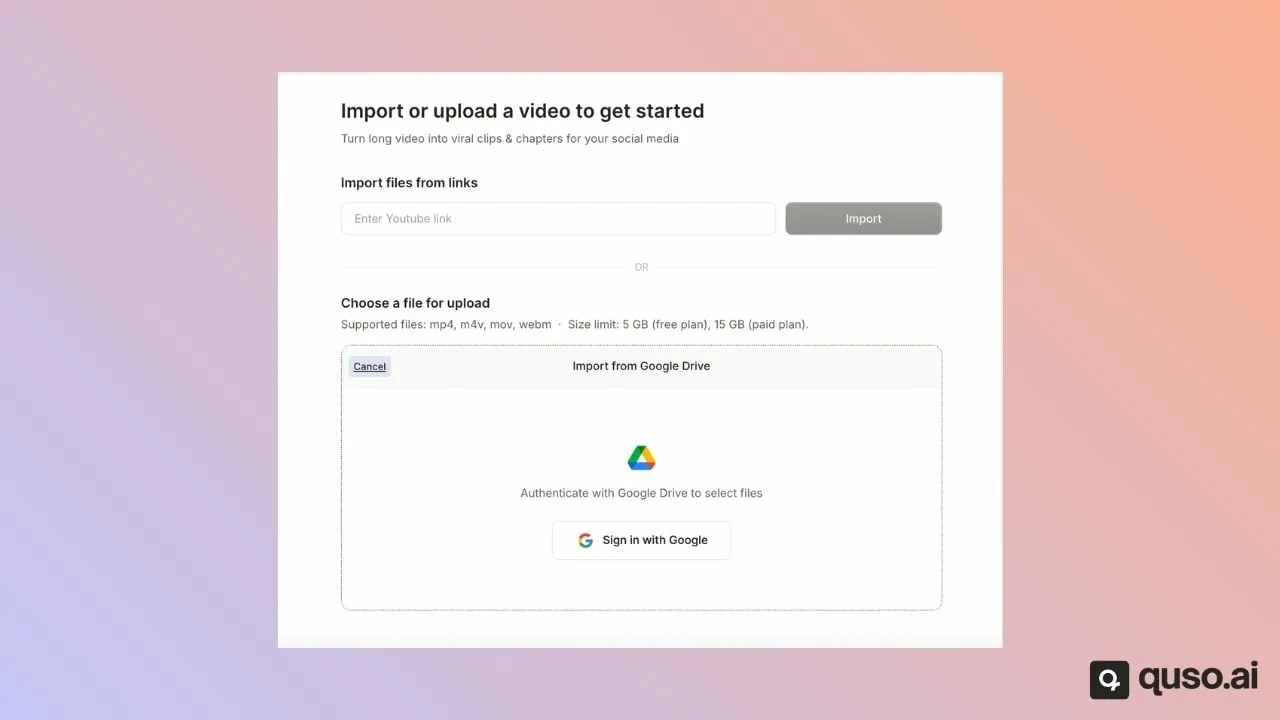
The Long to shorts and AI Captions setup screens show an estimated charge for the selected video.
quso.ai · Credits and regional availabilityWrite down the estimate and your available balance for the same file before starting the job.
quso.ai · Credits and regional availabilityCredit packs and subscription allowances depend on what your account offers.
quso.ai · Credits and regional availabilityRead about quso.ai in the ProductTally blog.

Video · 4 min read
Plan a question, reversal and demonstration, save the source timecodes and check the vertical export.