Browser Extension
Free extension for supported browsers.
Free
 ProductTally

Ad and tracker blocker
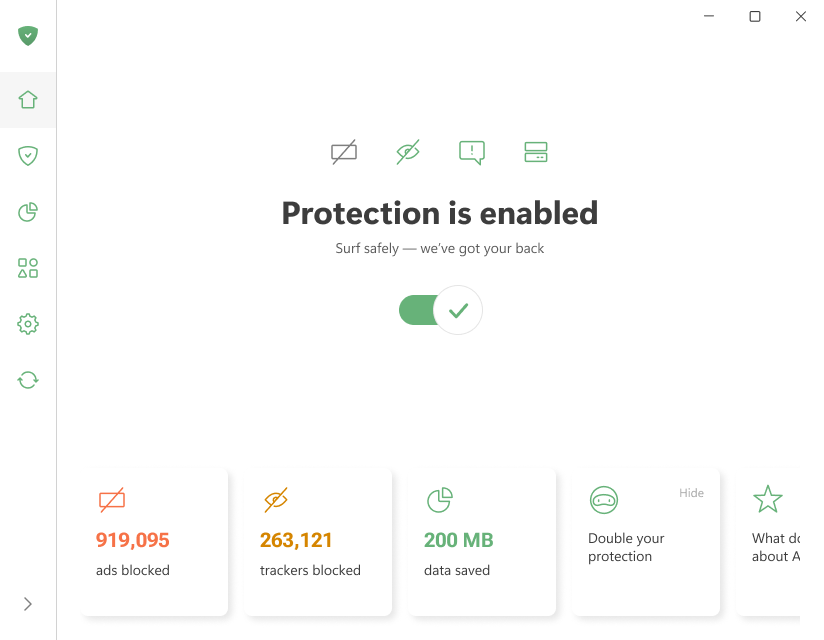
Cut down on ads, pop-ups, and trackers while you work. AdGuard offers a free browser extension and apps with broader filtering for supported devices.
ProductTally may earn a commission if you buy through these links.
ProductTally may earn a commission if you buy through these links.
For creators and small teams that spend much of the day researching, writing, or using web apps. Start with the extension for browser-only filtering. Check the desktop app if you also want filtering in supported apps.
Personal covers up to three devices and Family covers up to nine. Both are available as annual or lifetime licenses.
Free extension for supported browsers.
Free
Annual license for up to 3 devices.
One-time license for up to 3 devices.
Annual license for up to 9 devices.
One-time license for up to 9 devices.
Standard USD prices shown on the official purchase page with Hong Kong selected. Final prices and promotions can vary by region. · Nov 16, 2026
ProductTally may earn a commission if you buy through these links.
AdGuard Ad Blocker · View official plans and pricingProductTally may earn a commission if you buy through these links.
Turn filtering off for a site if it interferes with a login, checkout, or embedded player.
ProductTally may earn a commission if you buy through these links.
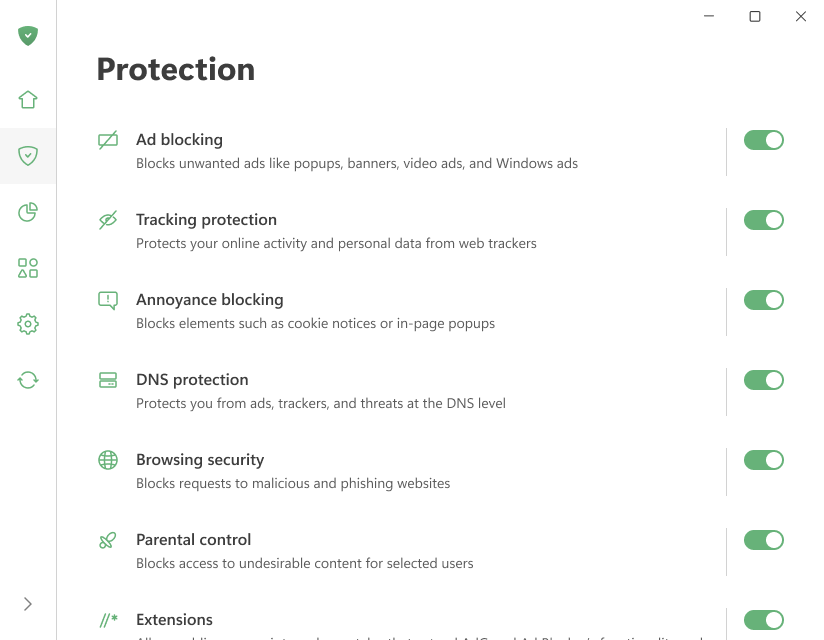
AdGuard browser extension featuresProductTally may earn a commission if you buy through these links.
ProductTally may earn a commission if you buy through these links.
The free browser extension filters ads, pop-ups, and trackers in supported browsers without requiring an account.
AdGuard browser extension featuresTurn filtering off for a site if it interferes with a login, checkout, or embedded player.
AdGuard browser extension featuresPersonal covers up to three devices and Family covers up to nine. Both are available as annual or lifetime licenses.
View official plans and pricingRead about AdGuard Ad Blocker in the ProductTally blog.

Web & forms · 3 min read
Count your devices and compare checkout totals for AdGuard Ad Blocker annual and lifetime licenses.