
SaaS product news · 4 min read
Google Vids adds Omni 1.2 Flash for 15-second AI clips
Google announced Gemini Omni 1.2 Flash for Google Vids on November 5, 2026. The update lets you choose a clip length from 3 to 15 seconds and use reference images for more consistent subjects. The launch post and current Help Center describe different access and usage conditions. Check your account’s allowance before planning how many clips to produce.
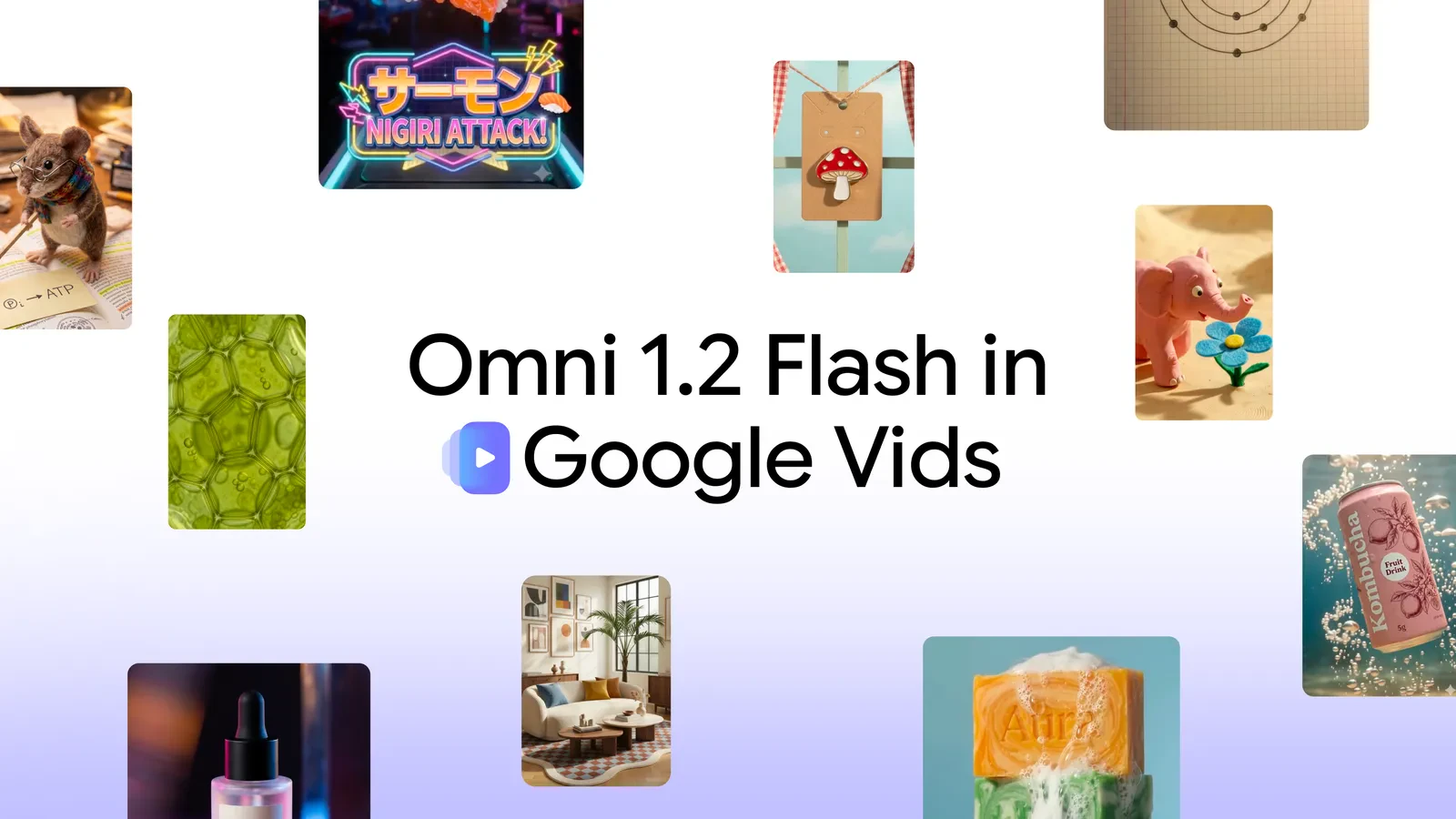
What Google changed on November 5
The update moves Omni 1.2 Flash into Google Vids and raises the clip ceiling to 15 seconds. Google says the model follows reference images more consistently and offers greater speaker variety. In Vids, the duration control ranges from 3 to 15 seconds. These are generated clips inside a video-creation editor, not a promise that every prompt will produce a finished, publication-ready spot.
Why the longer clip matters to a small creative team
A 15-second maximum gives a creator more room for one compact product moment, a short scene transition or a simple narrated explainer before assembling a larger edit. Google’s Help Center documents reference images, prompt controls and clip insertion in a Vids timeline. That makes the update most relevant when a team wants to test a visual direction in context, then keep the selected clip with the rest of a Vids project.
The workflow implication is an editorial inference from Google’s documented clip length and Vids editing controls: treat the generated result as a draft asset to review for product details, spelling, motion and audio before publishing. Reference consistency is a stated model improvement, not a guarantee that every frame will preserve a logo or character perfectly.
Check access and usage before budgeting
Google’s November 5 launch post described up to three 15-second videos per month at no cost for people with a Google account or Workspace subscription. Its Workspace update lists eligible editions, while the Help Center says access requires an eligible Workspace subscription or participation in Workspace Experiments and gives its own generation-limit guidance. Those pages frame eligibility and limits differently. Open the current Vids experience and the account-specific Help details before promising a monthly output count to a client or team.
Who should evaluate the update now?
This is worth a short evaluation if you already make social promos, product teasers or explanatory clips in Vids and need a generated shot that can use visual references. It is less decisive if your job depends on precise text, exact packaging or tightly timed action: those details still need human review in the final edit. A useful first test is to choose an image you have permission to use, define one visible action, and inspect the output at the beginning, middle and end before building a campaign around it.