
Video · 3 min read
YouTube title and thumbnail tests: how to read the watch-time report
Change one element on an eligible long-form video and read the result in YouTube Studio.
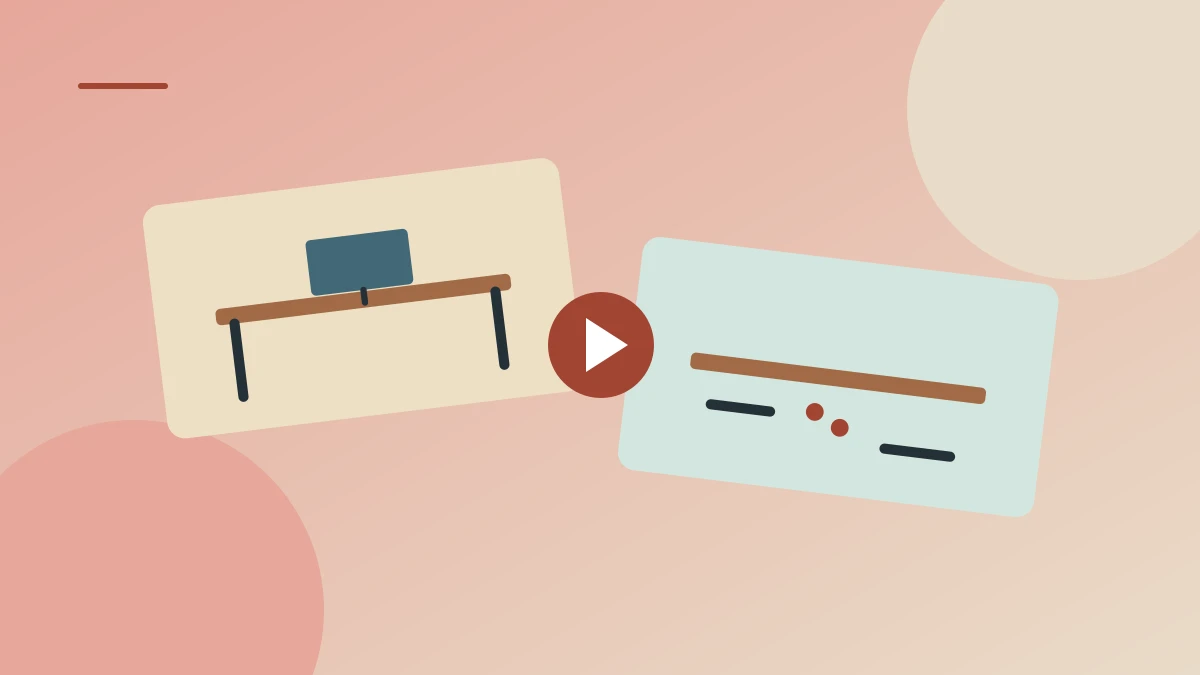
YouTube Studio on desktop can test up to three titles, thumbnails or combinations for eligible videos. YouTube chooses based on watch time. If you want to learn which thumbnail earns more engaged viewing, keep the title the same.
Ask one question about one video
Take a long-form video showing how to build a desk. Keep the search-friendly title and use two honest covers: one with the finished desk and one with the first assembly step. This gives you a readable question about the image. Changing title and image together asks about the package as a whole.
Open the video in Studio on desktop and look for the A/B testing control in the video details. YouTube requires advanced features and lists exclusions including Shorts and private videos. Use existing content if you want to get familiar with the settings.
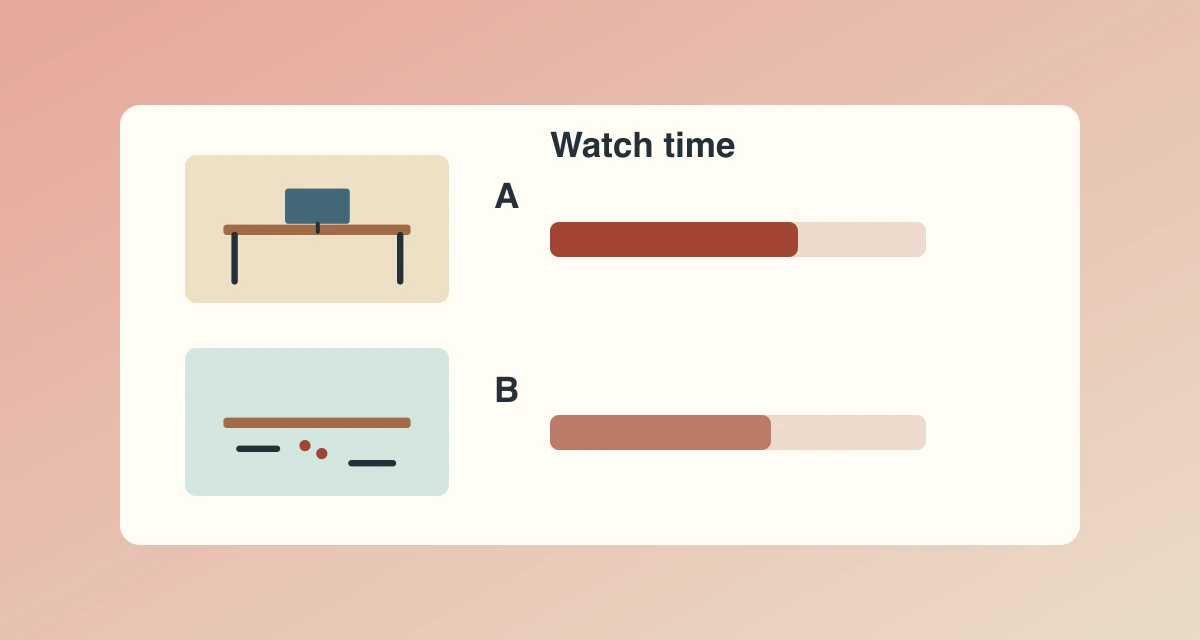
Read Reach before choosing your next cover
The report is available in the Reach tab in YouTube Analytics. A click is the beginning of a view. Watch time also reflects what happens after the click, so keep your title and image faithful to the video. If the report shows no clear winner, leave that uncertainty intact when you decide what to test on the next upload.
Avoid editing the title or thumbnail while the test is running. YouTube says a manual change can end the test. Save the question you wanted to answer alongside your choice so you can reuse what you learn.