
Productivity · 5 min read
The client said “aim for Friday.” Write down what they agreed to with Sembly AI
Go from the recap to the exact words so your client and team can see who owns the next step and what approval is still due.
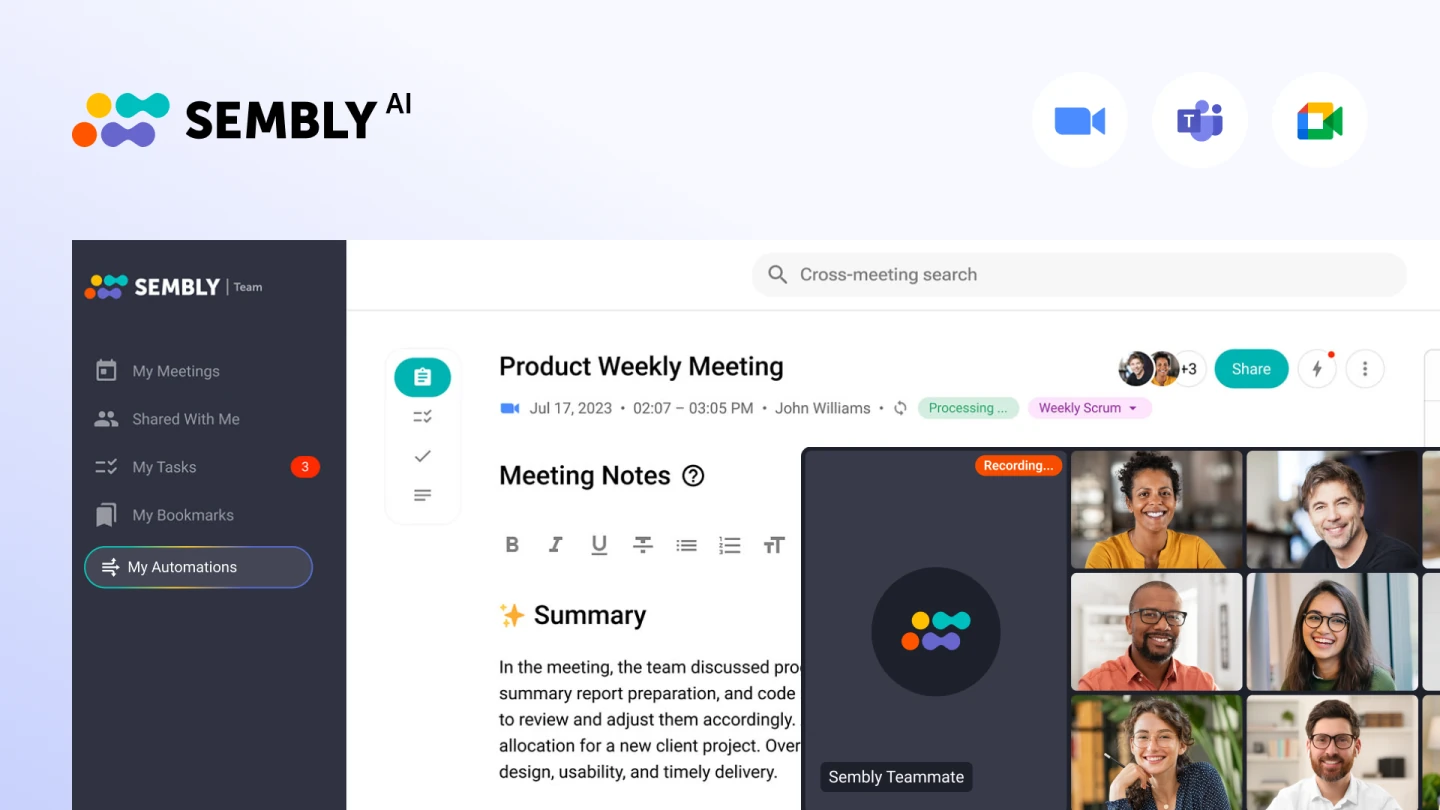
The developer schedules a Friday release. The designer is still waiting for legal. Both read the same recap. Sembly AI puts notes, key items, and a searchable transcript together, so you have a way back to the exact statement. Try it with the vendor’s example, then apply it to a delivery decision.
Find one line in the official demo
Under Bookmarks in Sembly’s official demo, find Northwind pricing review at 11:55. The speaker distinguishes the monthly price change from an unchanged annual price. Use the same approach on a real call: open the transcript around the Key Item, and listen to the recording if the speaker or wording is unclear.
Turn “aim for Friday” into three records
In this fictional call, the operations lead says at 09:21, “If the checkout passes, I’d invite ten users on Friday.” At 09:36, the project lead replies, “Let’s leave Friday open for now. Alex, check the checkout by tomorrow afternoon and report back.”
| Destination | Record |
|---|---|
| Client recap | Friday pilot for ten users proposed, pending checkout sign-off. |
| Project board | Alex verifies checkout and reports back by tomorrow afternoon. Add the date and time zone before assigning the task. |
| Open decision | The project lead confirms the pilot date after reviewing the checkout result. |
Edit the meeting notes and check whether the same mistake also appears in Key Items, assigned tasks or the client recap. Correct any copy the team already uses in its project tool.
Hover over the timestamped key item to copy its link. Open it yourself to check the destination, and share it with people who already have meeting access.
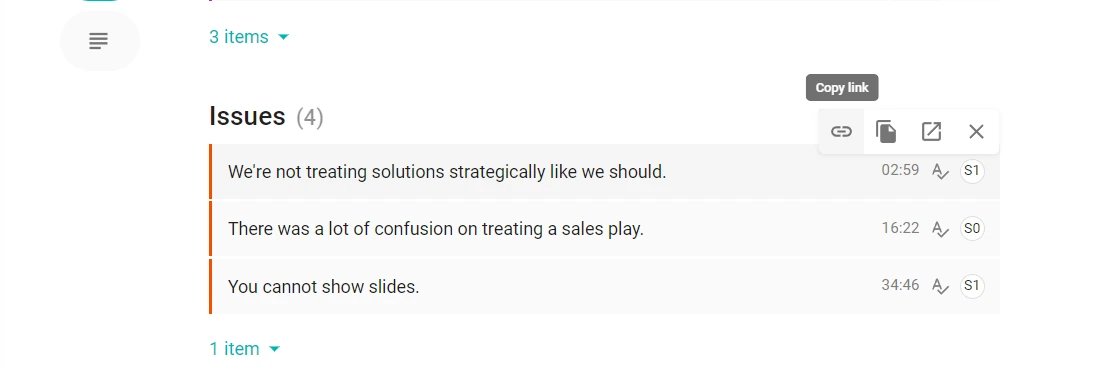
Choose who gets a link to the meeting
A teammate checking the wording can use the time and issue link. A buyer who needs to agree on the new date can get the reviewed recap. Sembly says its guest link can expose the recording, transcript, and key items. Check who can open it.
Try one meeting before rolling it out
Choose a short call you have permission to record. Ask another participant to read your handoff and identify the condition, owner, and deadline. Find the source for anything they cannot identify and mark true gaps as open.
ProductTally may earn a commission if you buy through these links.
Official references
ProductTally may earn a commission if you buy through these links.