
Data & analytics · 3 min read
Why does the Search Console BigQuery export repeat URL rows?
Sum clicks and impressions at the report's grain before calculating CTR, and keep export gaps visible.
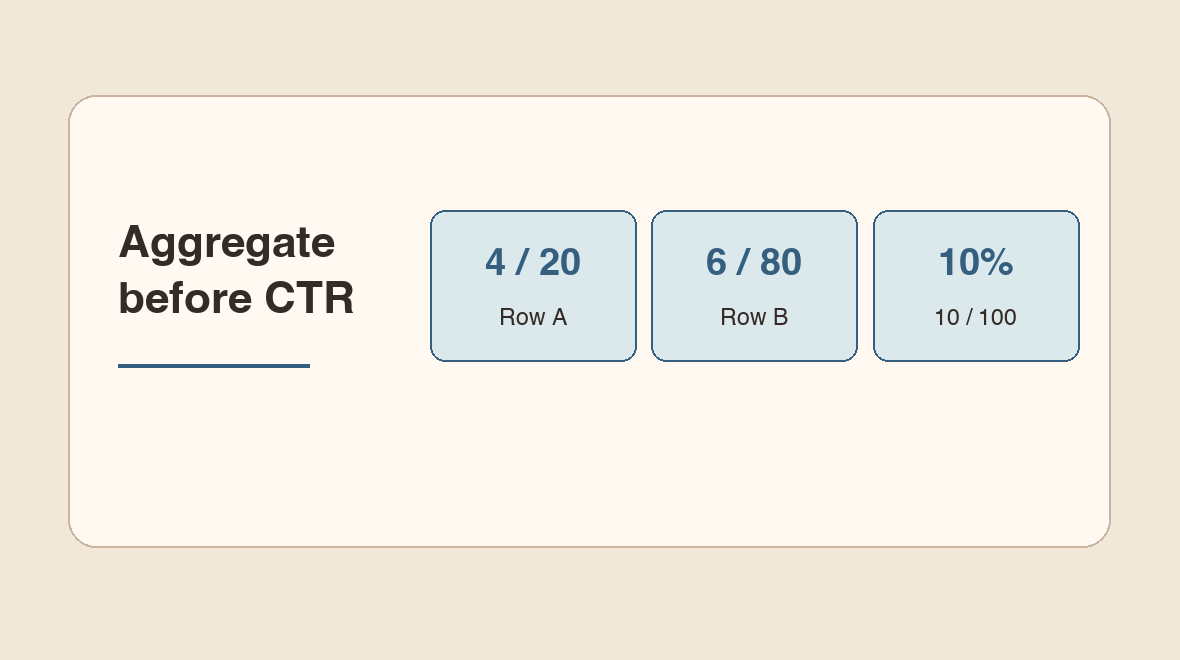
Google Search Console’s bulk export can contain more than one row for the same key. For a daily page report, filter to the intended search type, then group by date and URL and sum clicks and impressions. Divide the sums for CTR. Google recommends aggregating rather than keeping a single row per key.
Decide what one row in your report means
For a daily report by page, use searchdata_url_impression. Keep search type fixed for the report window. If you need a country breakdown, add country to the grouping. For a property-wide report, consider the property table instead, since Google defines different aggregation rules. Check the dataset name and bound data_date to the intended period in Pacific time.
Aggregate first, then compute the rate
In a fictional export, the same URL contributes 4 clicks from 20 impressions and 6 clicks from 80 impressions on one day. Keep both rows. The page total is 10 clicks from 100 impressions, so CTR is 10%. Averaging the two row percentages would give 13.75%. Use SAFE_DIVIDE on the grouped totals in BigQuery and leave rows without a denominator blank.
SELECT data_date, url,
       SUM(clicks) AS clicks,
       SUM(impressions) AS impressions,
       SAFE_DIVIDE(SUM(clicks), SUM(impressions)) AS ctr
FROM `my_project.searchconsole.searchdata_url_impression`
WHERE data_date BETWEEN @start_date AND @end_date
  AND search_type = 'WEB'
GROUP BY data_date, url
ORDER BY data_date, clicks DESC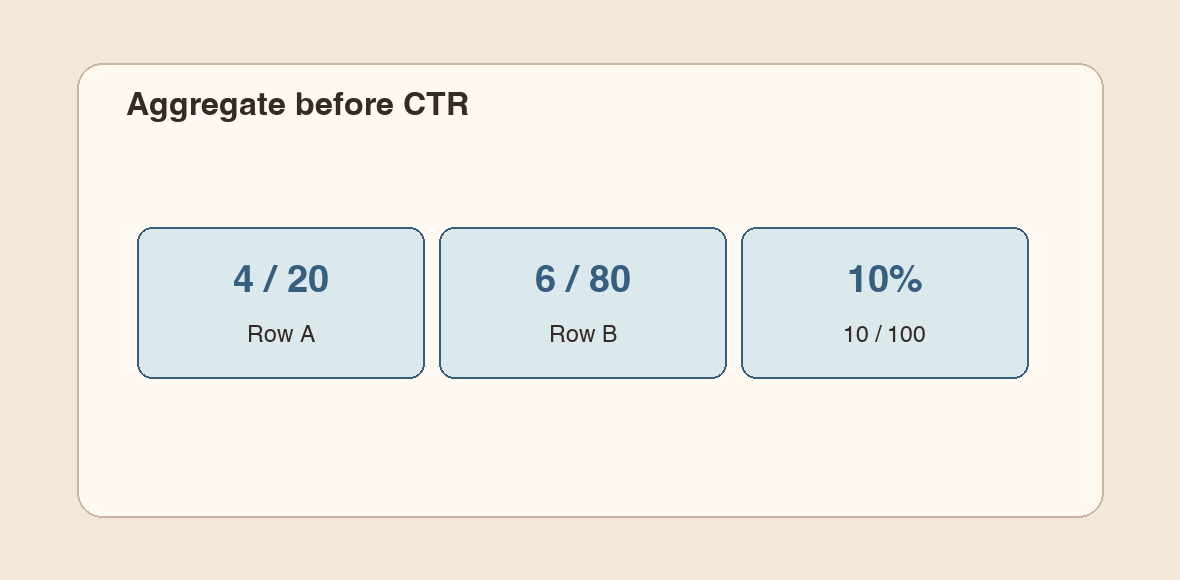
Give missing exports a separate status
Before comparing two weeks, check ExportLog for the relevant table and days. It lists successful exports, and the URL and property tables can appear at different times. Mark missing dates as unavailable in the report. Once both windows are complete, compare the same search type and grouping. Then the results will reflect the question you actually asked.