
Productivity · 4 min read
One Publer post failed. Who gets the alert, and what should you retry?
Find the error, check who received the alert and reuse the failed destination only.
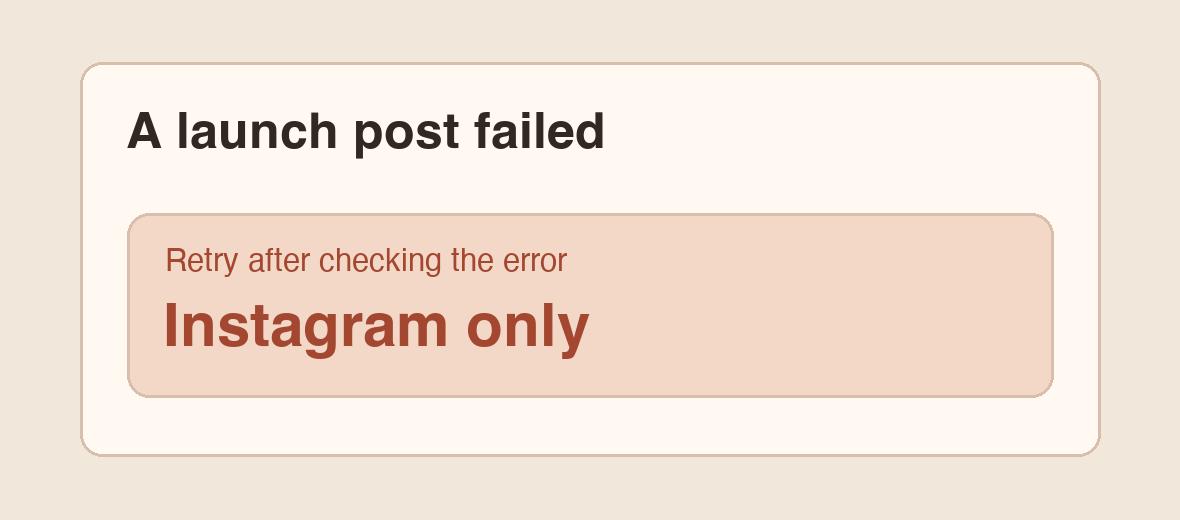
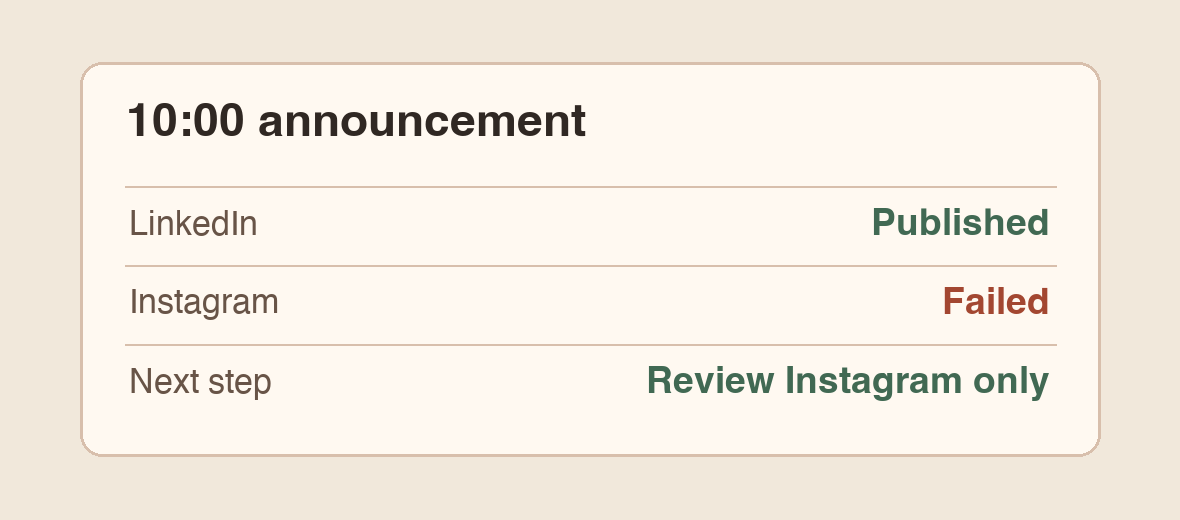
Say LinkedIn published your 10 a.m. announcement but Instagram did not. Publer records failure by social account, so the other destination keeps its own status. Filter Posts or the Calendar Feed by Failed, and hover over the red exclamation mark to read the reason.
Who gets the failure email?
Under Settings → Email Notifications, you can choose failure emails individually, at most hourly or in a daily digest. Publer says they go to the post creator. Give someone else a calendar check when the creator is away.
If your team already uses a shared alert channel, Publer documents a Post Failed trigger in its Zapier integration. Use the alert to ask someone to check the destination before they retry.
Retry the destination that failed
Check the actual Instagram account before retrying. Reconnect credentials, resolve approval or wait for the platform to recover as the error warrants. Decide whether the announcement is still timely. Use Reuse for the failed version, confirm the account, media and schedule, and leave the published LinkedIn post in place. Verify the Instagram result at the new time.
Visit official website
ProductTally may earn a commission if you buy through these links.
Publer · Visit official website
Official references
ProductTally may earn a commission if you buy through these links.