
Video · 4 min read
ElevenLabs: How do you fit AI narration to a 60-second product demo?
Align script length and voice settings with the key actions in a one-minute product demo.
Give viewers enough time to see each key action, then write the narration for that shot. When they need to find Share, lose the extra sentence and let the pointer rest briefly on the control. If the narration still runs long, compare the actual time it takes after rewriting or changing speaking speed before extending the shot. ElevenLabs describes speed settings and model-specific pause controls.
Time a small section first
Start with the shot that has the most to explain. Shorten its narration to the essential action and review that segment in your chosen voice.
| Time in a sample 60-second edit | What the viewer should see |
|---|---|
| 00:00–00:06 | The finished checklist they will be able to share. |
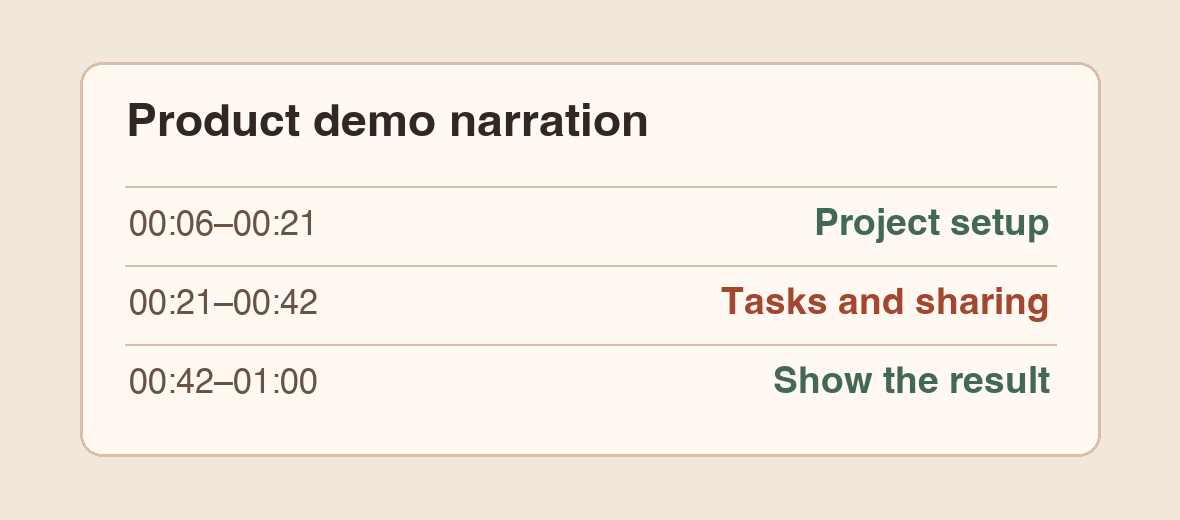
| 00:06–00:21 | The project creation and template selection, with narration written for those actions. |
| 00:21–00:42 | Four tasks and the Share menu. |
| 00:42–01:00 | A second user opening the result, followed by the next action. |
Listen to the narration with the picture
Generate and review a short segment in your chosen ElevenLabs model before rendering the full track. Eleven v4 and v3 do not support SSML break tags. When the voice names a button, make sure it is already visible. Let viewers read the result before moving on.