
SEO · 4 min read
AI quotes $19, but checkout says $24. What should you fix first?
Trace the quoted price to its source and check the market, plan, billing term and effective date.
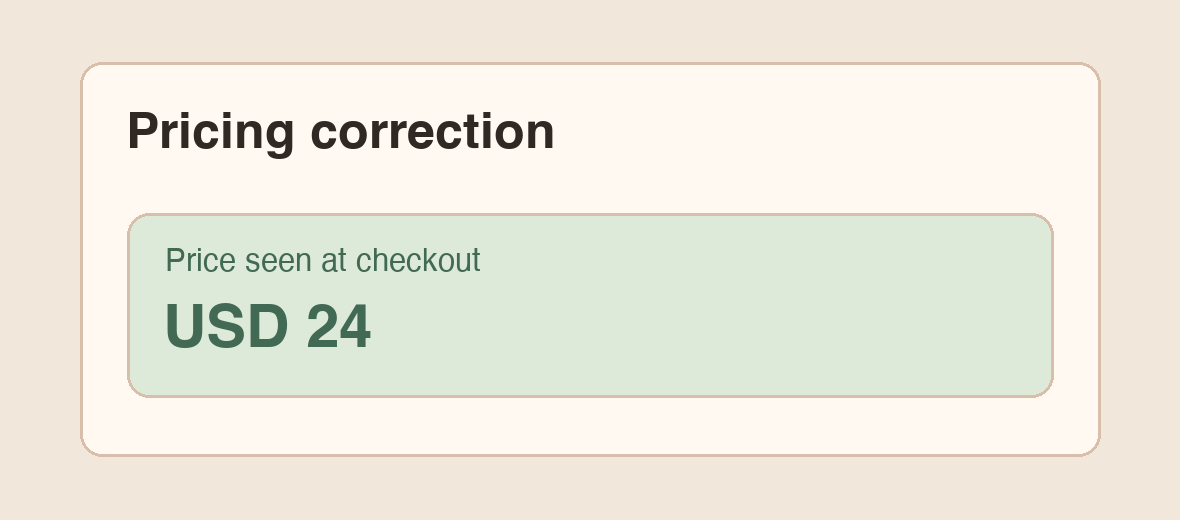
Open the URL the answer cites and find the figure. Compare the vendor's current price for the same market, plan and billing period. $19 may be an annual equivalent while $24 is monthly billing. If your page supplies an outdated figure, correct the copy, tables, metadata and any applicable offer markup. Google builds snippets primarily from page content and may use eligible product markup to show prices.
Record the effective date of the price change
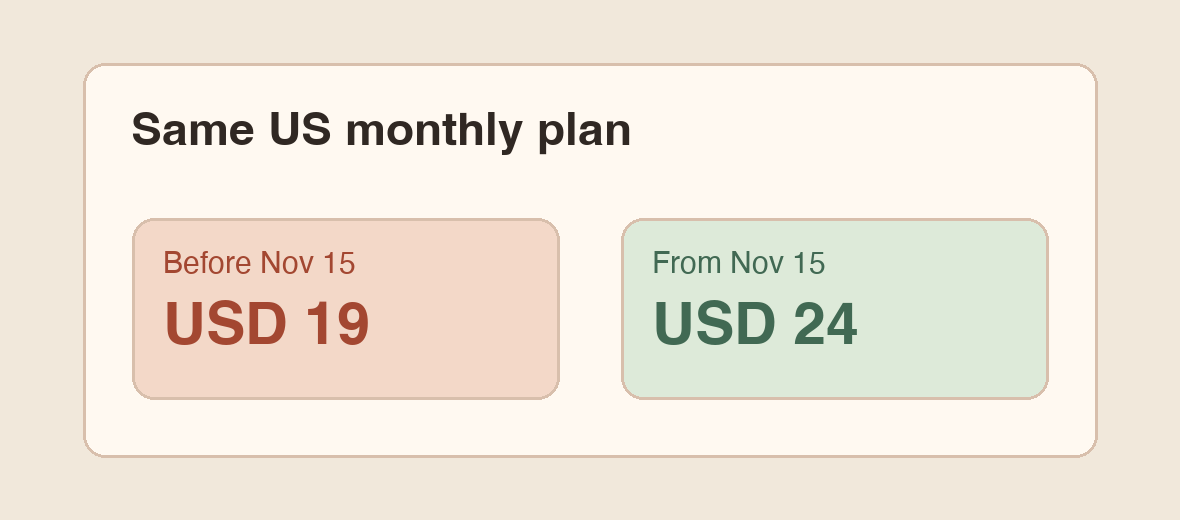
Suppose a fictional US monthly plan moves from $19 to $24 on November 15, with tax excluded. Keep the old page, observed answer and observation date in a private record. In public copy, give the current price and check date, such as “USD 24 monthly in the US, checked November 17, 2026,” with the official price link beside it. Label any historic figure with its expiry and remove it from active offers. Check each currency and locale.
Verify the published price
After deployment, verify the served HTML and any old duplicates. If you control the page, you can ask Google to recrawl. Recheck with the same query and language and record the source and date. If the answer uses another publisher's page, correcting yours cannot force that source or the answer to change.