
Writing & research · 3 min read
AnswerThis BibTeX export: clean a small research library before sharing
Check identifiers and bibliographic fields, then import a deduplicated batch.
Use AnswerThis to export selected citations as BibTeX. Before sharing, reconcile each record against the publisher or DOI record. The export gives you a portable bibliography to review.
ProductTally may earn a commission if you buy through these links.
Start with three records
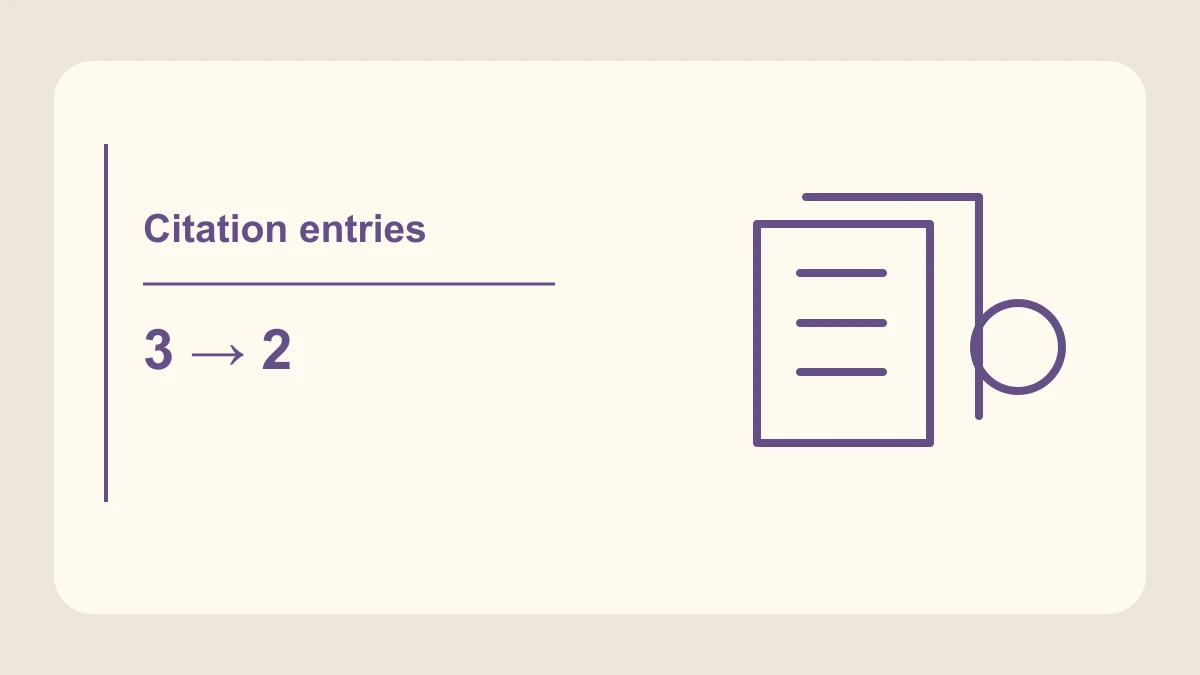
Imagine A and B show the same DOI with slightly different capitalization in the title. C has no DOI and is a separate conference paper. Check A and B on the publisher site before keeping one complete entry. For C, verify title, first author, year and proceedings together. Preserve an original export so changes remain traceable.
Test the handoff with one citation
Import the cleaned file into a temporary collection in your reference manager. Open one entry and check the author order, year and URL. Try inserting that citation into a test document, then compare it with the publisher record. Send collaborators the cleaned bibliography and flag any entry still awaiting confirmation.
ProductTally may earn a commission if you buy through these links.
Official references
ProductTally may earn a commission if you buy through these links.