
Writing & research · 4 min read
GA4 recorded clicks on your affiliate link. Why is the network report empty?
Use the same program, dates and time zone to compare outbound events, network clicks and transaction statuses.
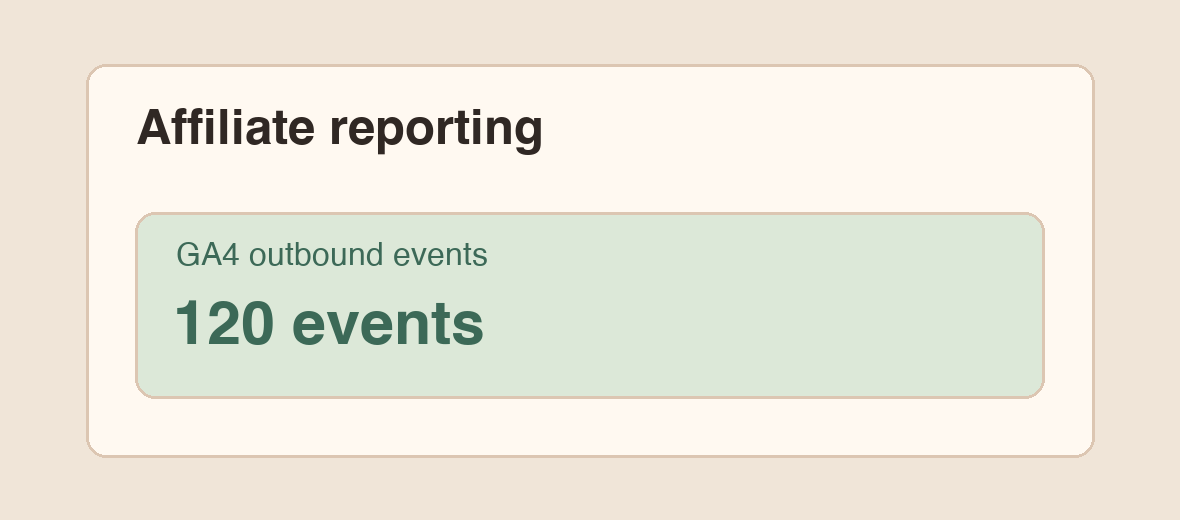
Check whether the network shows zero clicks, zero transactions or both. Align the program, market, time zone and completed date range. GA4 enhanced measurement captures outbound click events on your site. The affiliate network defines its own clicks and transaction statuses. Review the rendered tracking link and program rules before comparing totals.
Compare one closed reporting window
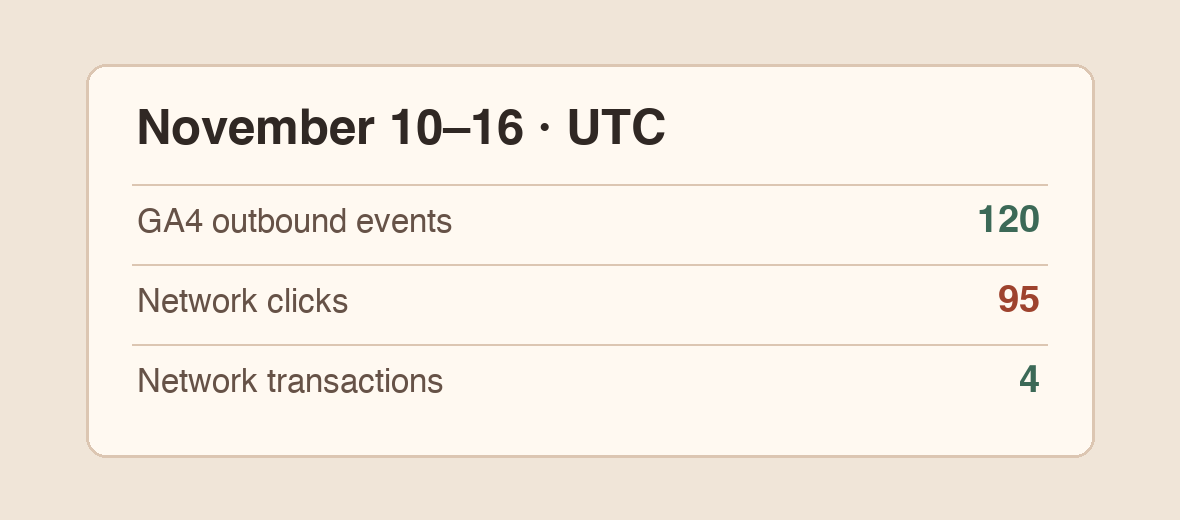
| Nov 10–16, UTC, one fictional program | Count | What it measures |
|---|---|---|
| GA4 outbound click events | 120 | Recorded on-site events |
| Network clicks | 95 | Clicks the network counted in that window |
| Network transactions | 4: 3 pending, 1 approved | Transactions and their current statuses |
The gap is 25, or 20.8% of the GA4 event count after rounding. Check repeated clicks, filters, redirects and time settings separately. Some transactions could come from clicks before the reporting window. To report conversion for the week's clicks, use transactions attributable to that click cohort and specify the follow-up period.
Follow one page and one link
Inspect the final HTML and the landing destination. If the link fires a custom event as well as enhanced measurement, confirm your report doesn't count both as the same click. If your network permits tests, make an identifiable test click using its rules, note the time and ask support whether it appears. Keep program, market, time zone, click date, transaction date and status aligned. That tells you whether to investigate measurement, the tracking URL or the comparison itself.
Check the event name and the link_url before adding totals. If enhanced measurement records click and your own tag records a second outbound event, choose one event definition. Links to domains included in GA4 cross-domain measurement do not fire the automatic outbound click event.